Neon Sign Generator Guide
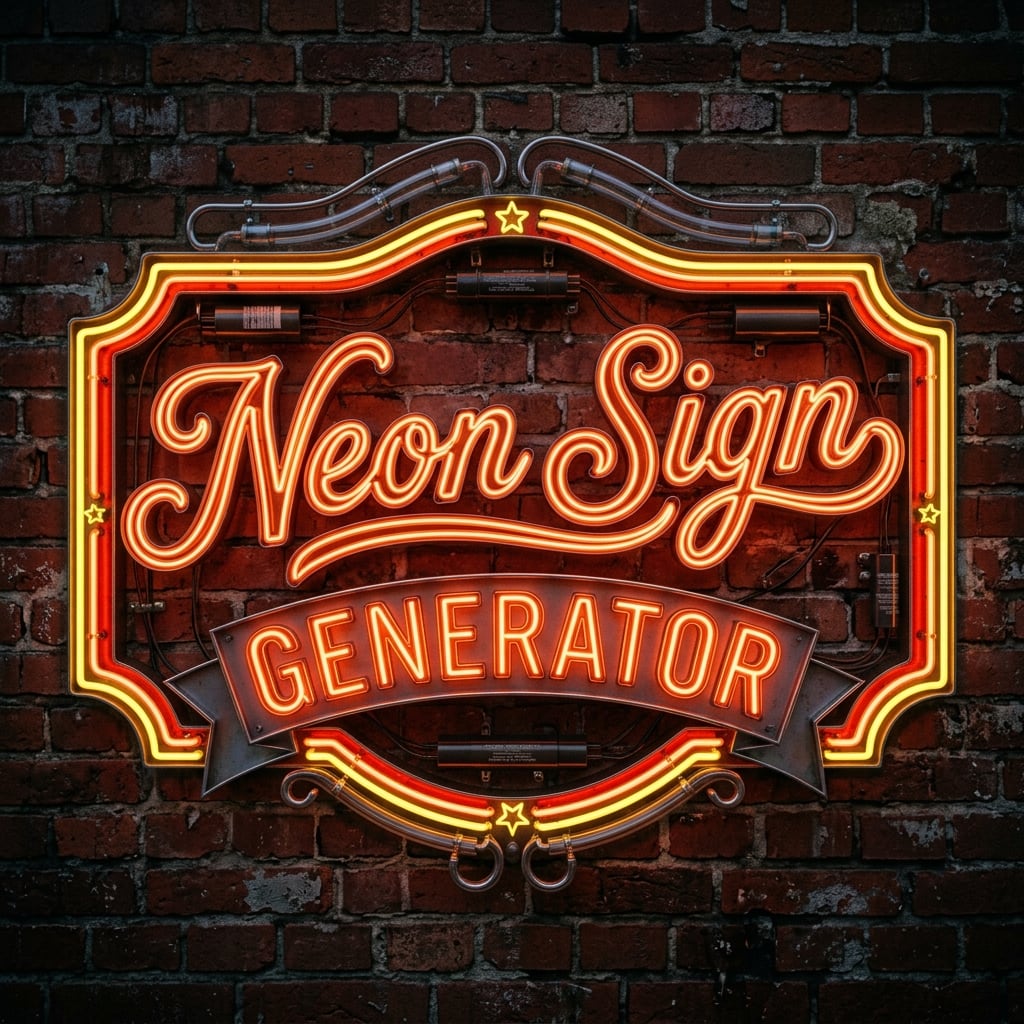
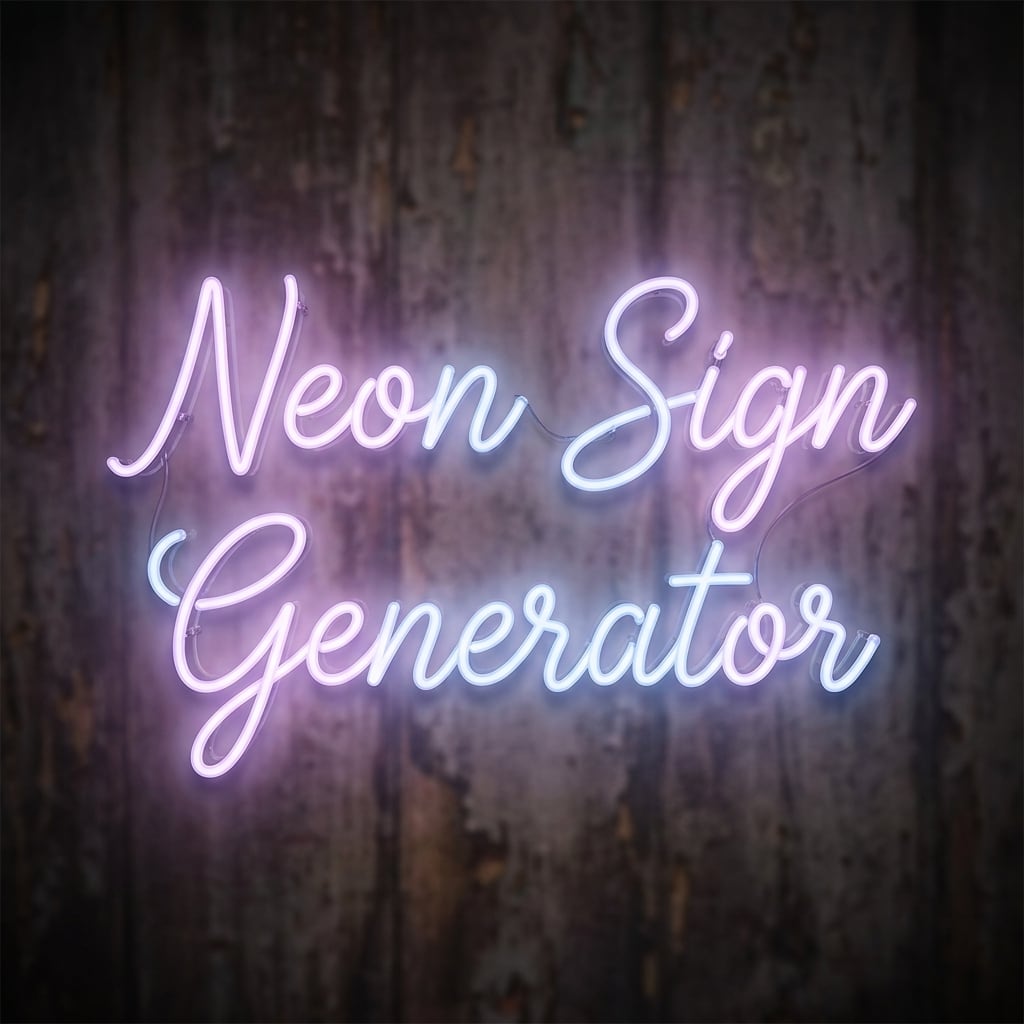
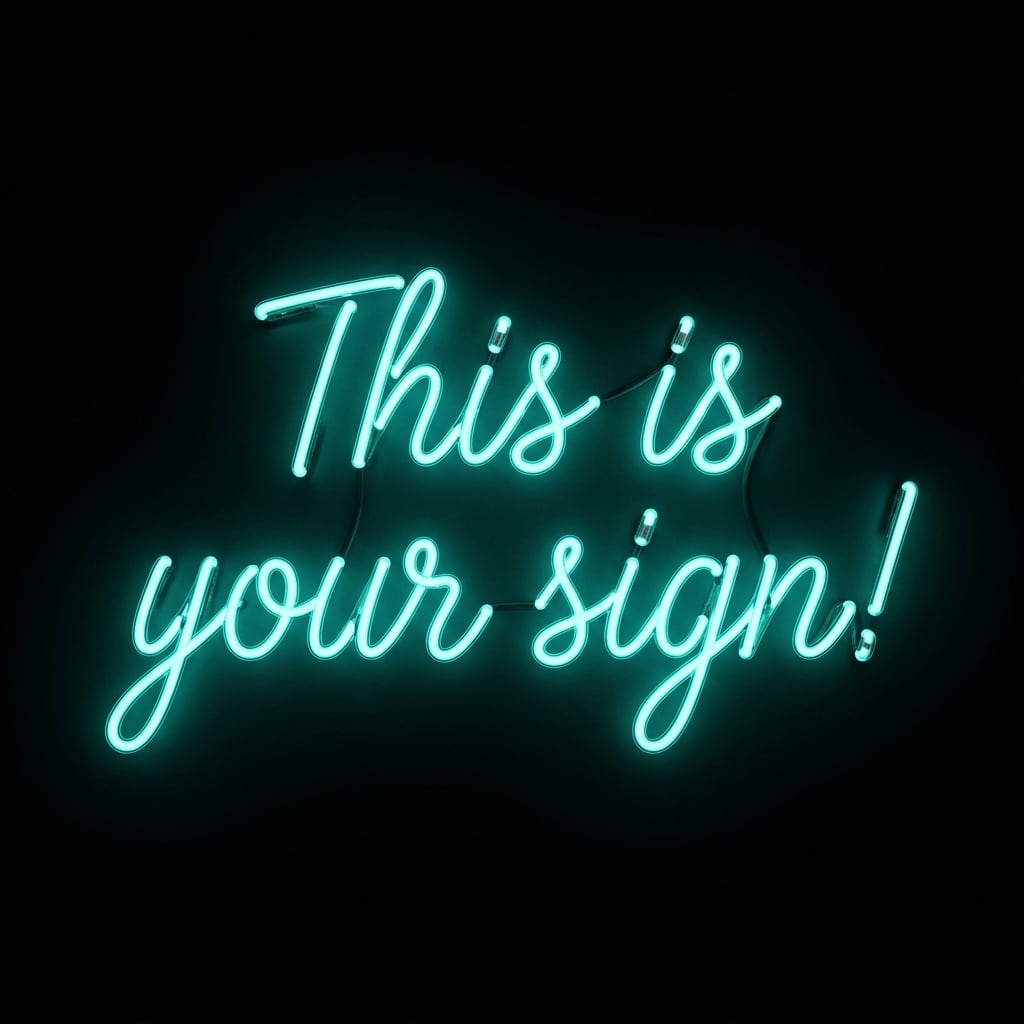
The Neon Sign Generator is an AI neon sign maker for creating realistic glowing sign images with your own words, colors, style, and background. It works well for anyone who wants a custom neon sign mockup, neon text image, neon logo concept, retro diner sign, glowing wall art, or social media graphic without needing to photograph or manufacture a real sign.
What a Real Neon Sign Is Made Of
A traditional neon sign is built from several components. The most recognizable part is the shaped glass tubing, which is heated and bent by hand into letters, symbols, outlines, or decorative shapes. Inside the glass tube is a small amount of gas, most famously neon, though argon and other gases or coatings are also used to create different colors. In a real glass neon sign, electricity passes through the sealed tube and excites the gas inside. As the gas atoms become energized, they release light. Pure neon typically produces a warm red-orange glow, while argon, mercury vapor, phosphor coatings, colored glass, and modern lighting materials can create blues, pinks, purples, greens, yellows, whites, and other colors.
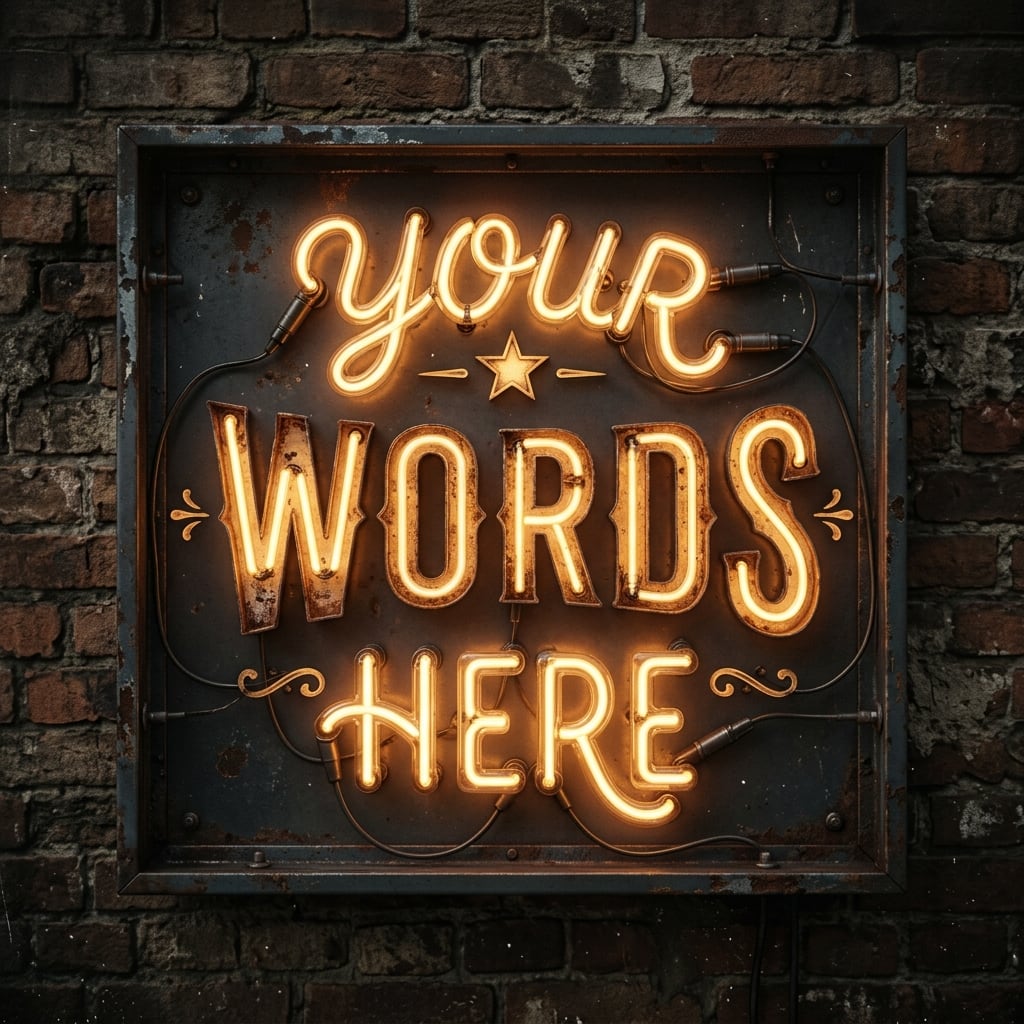
At the ends of the tube are electrodes that connect the sign to power. A transformer or power supply steps electricity up to the voltage needed to energize the gas, while wiring carries the current through the sign. Many signs also include a backing board, metal frame, clear acrylic panel, mounting brackets, spacers, or exposed supports. Some designs intentionally show the wiring and ballast for an industrial look, while others hide those parts for a cleaner, modern neon wall art effect. Modern “neon” signs are often made with LED neon flex instead of glass tubing. These use LED strips inside flexible silicone or plastic channels to imitate the continuous glow of real neon.
How to Use the Neon Sign Generator
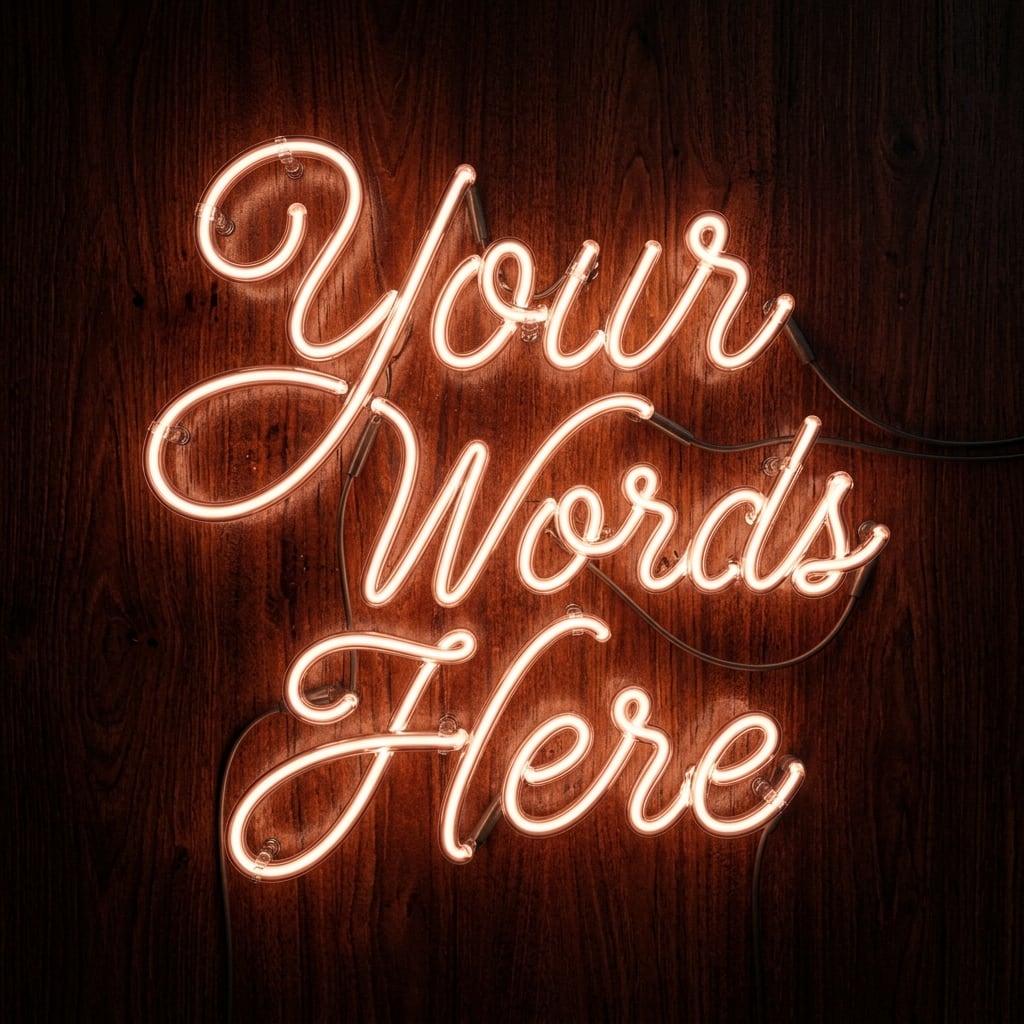
Start with the Neon Sign Text field. Enter the exact word or phrase you want displayed in the image. This is the most important field because it tells the AI what the sign should say. For best results, keep the text short and readable. One to four words usually works better than a long sentence. Examples include “Open Late,” “Dream Bar,” “Your Words Here,” “Coffee Club,” “Good Vibes,” or a brand name.
Next, choose a Neon Style from the dropdown. This controls the overall look of the generated neon sign image, including color palette, mood, material, background, and typography. The available styles include classic neon, retro diner, moody purple, minimal clean white, distressed vintage amber, rose gold, champagne script, lavender glow, modern cyan, urban pink concrete, glossy ice blue, pastel daytime neon, coral and peach, pale sage green, and a custom style option.
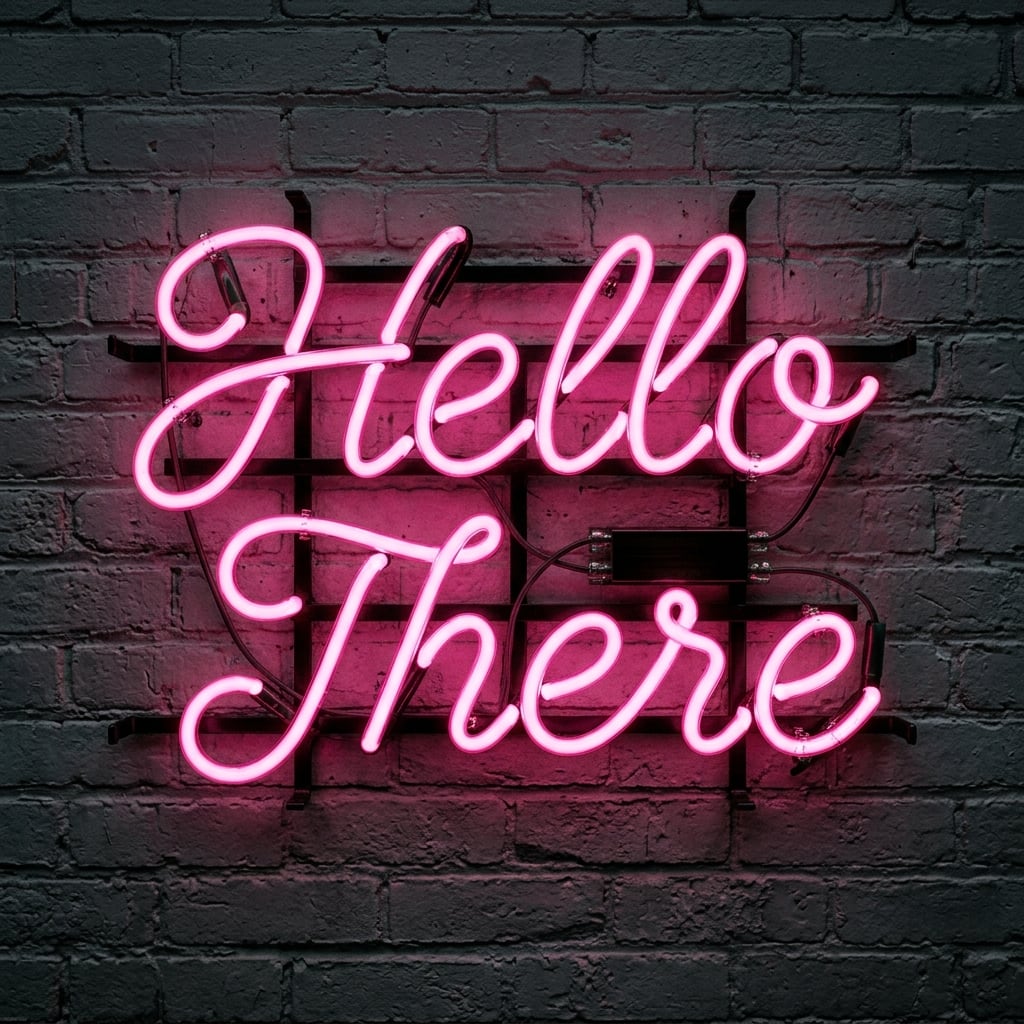
Use Additional Instructions to refine the image. This is where you can describe the background, font personality, camera angle, lighting, mood, and extra design details. You might ask for “a glowing pink neon script sign on a dark brick wall,” “a realistic blue neon logo sign mounted on brushed steel,” or “a vintage amber neon sign with exposed wiring, slight dust, and a warm restaurant atmosphere.” This field is especially helpful when using the Custom Style option, because you can define your own neon sign design from scratch.
Choose Image dimensions based on where you plan to use the result. A square 1:1 image is great for profile posts, thumbnails, product previews, and general mockups. Wider formats are better for banners, website headers, YouTube thumbnails, and storefront-style scenes. Taller formats work well for posters, phone wallpapers, Pinterest pins, and vertical social media stories.
The Hide wiring and ballast checkbox lets you decide whether the sign should look clean and polished or more realistic and industrial. Turn it on when you want a sleek modern neon sign mockup with minimal visible hardware. Leave it off when you want the authentic look of cables, mounts, transformers, and real-world sign construction.
Choosing the Right Neon Style
The Classic Neon Sign style is a strong all-purpose choice for realistic neon sign images. It works well for signs on dark walls, glowing text, storefront concepts, and general-purpose AI neon typography.
For a nostalgic look, choose Retro Diner or Distressed Vintage Warm Amber. These are ideal for restaurant signs, roadside motel concepts, old theater lettering, speakeasy graphics, and 1950s-inspired branding.
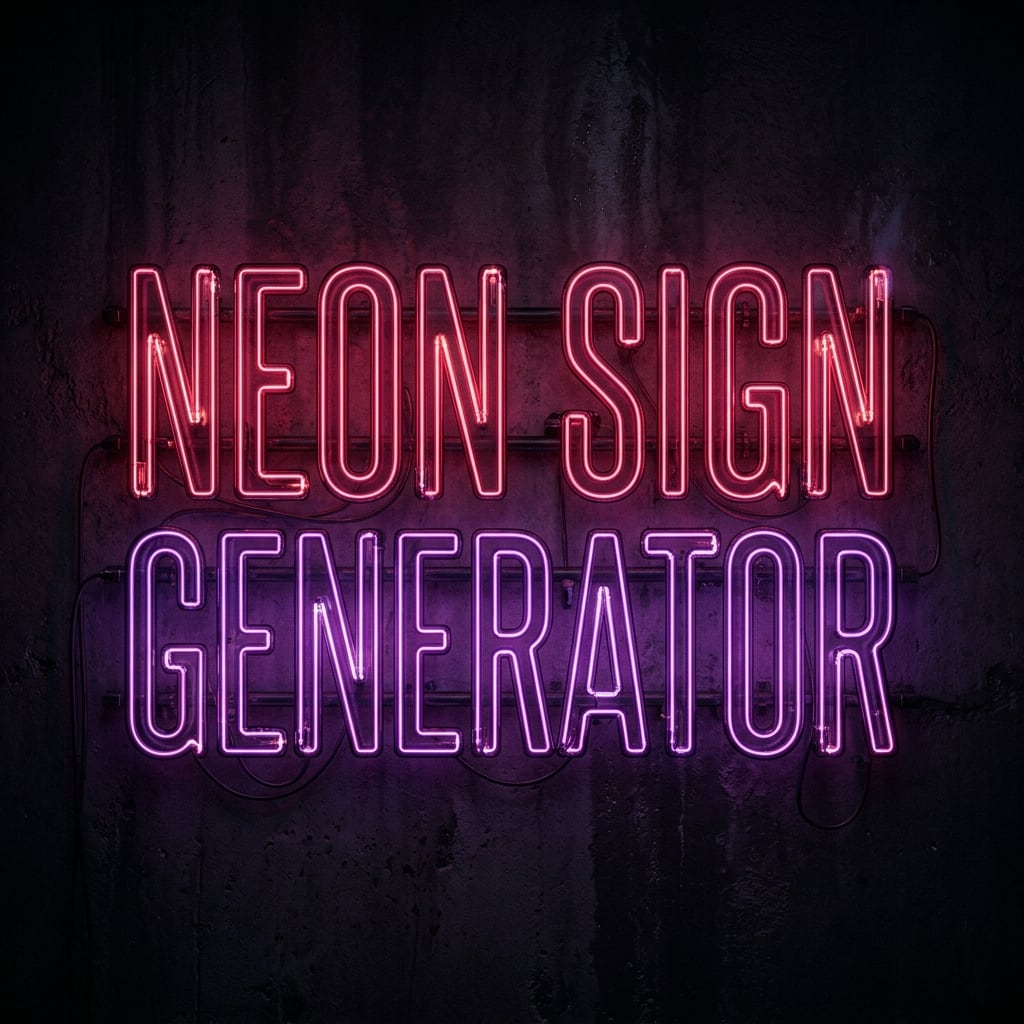
For a darker cinematic image, try Moody Deep Berry & Purple Dramatic or Urban Pink Concrete. These styles are useful for music posters, club visuals, album art, nightlife branding, and cyberpunk-inspired neon wall designs.
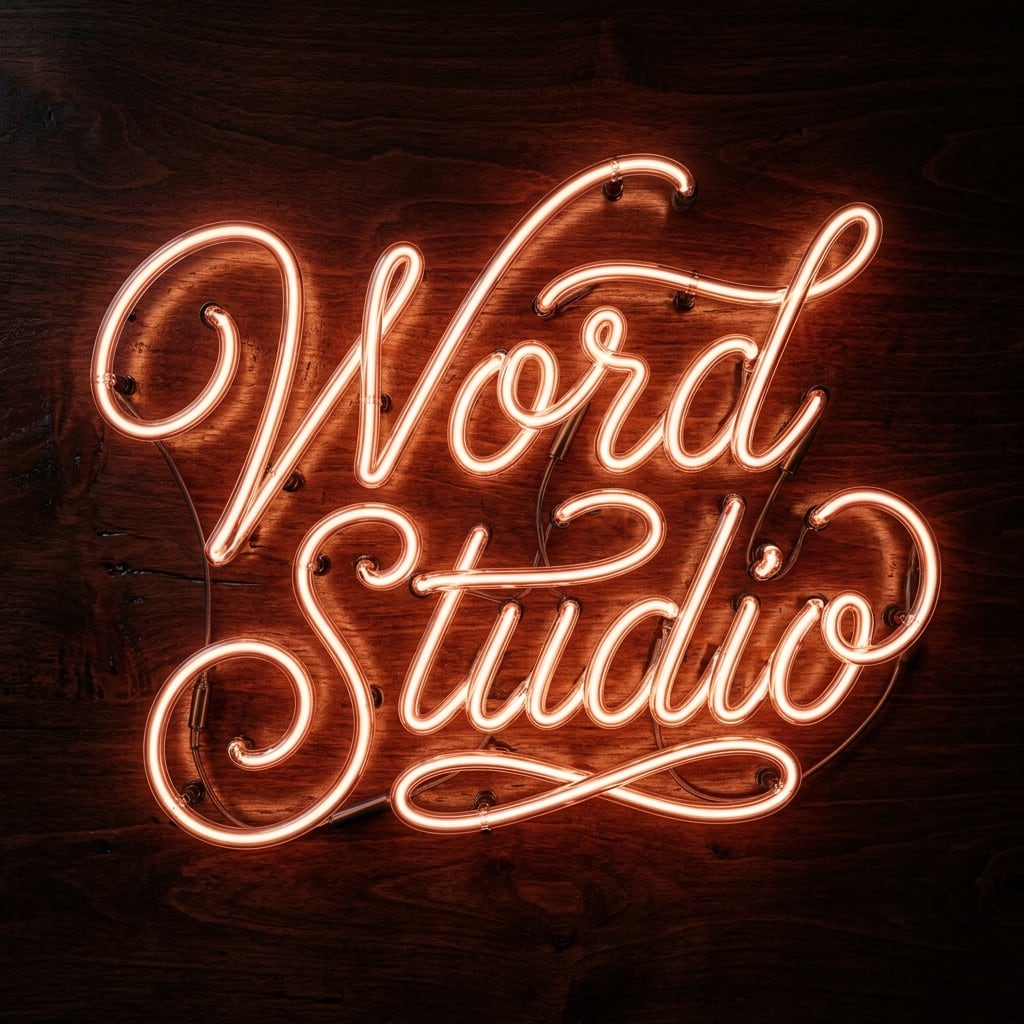
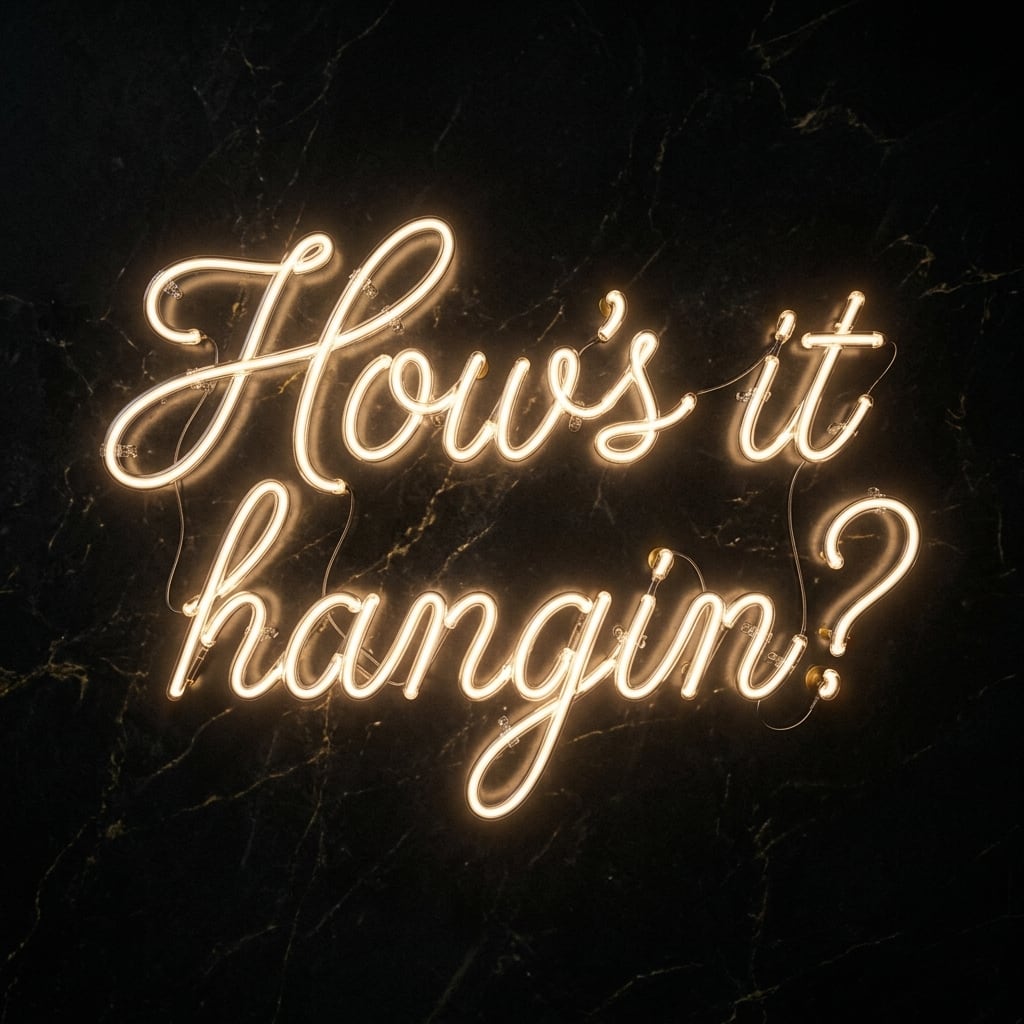
For elegant or luxury visuals, use Rose Gold Vintage Wood, Elegant Champagne Gold Thin Script, or Ethereal Dreamy Lavender Soft Glow. These styles are good for wedding signage, boutique branding, beauty salons, event décor, and romantic neon wall art.
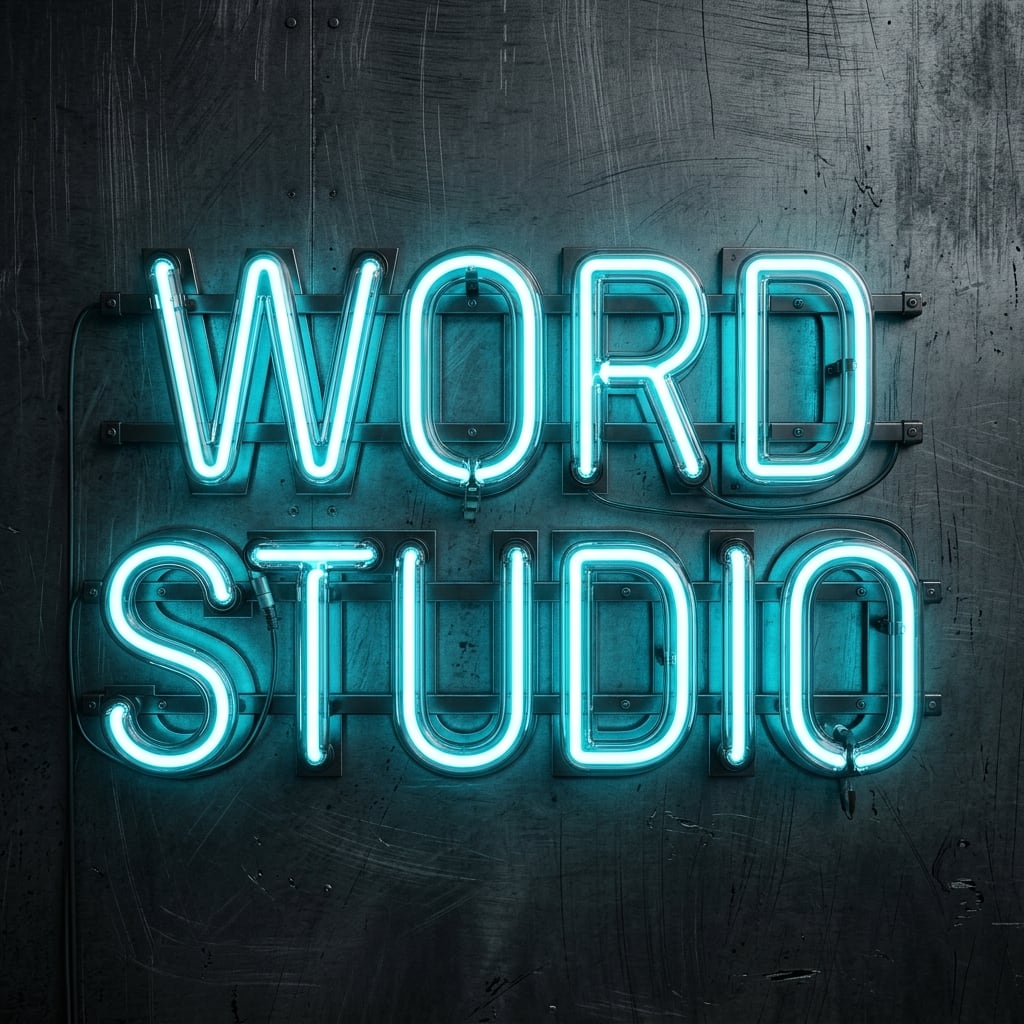
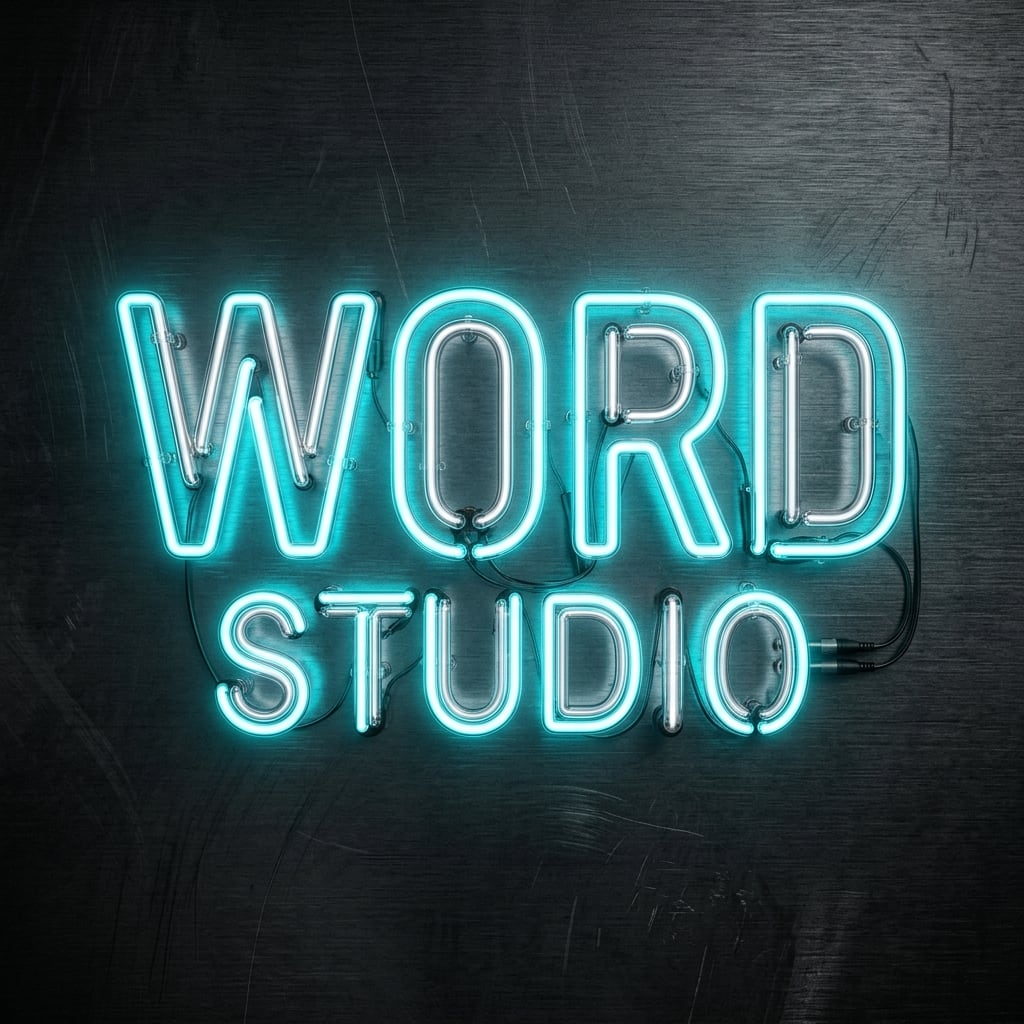
For modern branding, try Minimal Clean Ice White Modern, Modern Cyan Brushed Steel, Glossy Ice Blue, or Pale Sage Green. These can create a clean neon logo generator effect, especially when paired with simple text and a sleek background.
Tips for Better AI Neon Sign Images
The best AI neon sign generator results usually come from clear, specific prompts. Instead of writing only “Bar Sign,” add details about color, material, setting, and mood. A stronger instruction would be: “Create a realistic red-orange neon sign reading ‘Bar Sign’ mounted on an aged brick wall, with soft glow, visible screws, slight haze, and a nighttime street atmosphere.”
Keep your sign text simple. AI image tools can struggle with long phrases, unusual punctuation, or complex lettering. Short words, brand names, and simple phrases are more likely to appear clean and legible.
Mention the font style when it matters. Words like “script,” “block letters,” “thin cursive,” “bold uppercase,” “handwritten,” “retro marquee,” or “minimal sans-serif” help guide the design.
Describe the background. Neon looks different on “dark brick,” “weathered wood,” “black concrete,” “smoky glass,” “brushed metal,” “white studio wall,” or “rainy storefront window.” The background can completely change the final mood.
Use lighting words. Phrases such as “soft glow,” “bright halo,” “subtle reflection,” “moody shadows,” “volumetric haze,” “nighttime ambience,” or “cinematic lighting” help the generator create a more realistic neon sign image.
Example Prompts to Try
For a classic custom neon sign generator result, enter the text “Open Late,” select Classic Neon Sign, and add: “Warm red-orange neon tubing on a dark brick wall, realistic glow, slight haze, visible mounting clips, nighttime bar atmosphere.”
For an elegant neon wall art image, enter “Love Always,” choose Elegant Champagne Gold Thin Script, and add: “Thin cursive champagne neon on a matte black wall, soft luxury glow, clean modern wedding backdrop, hide visible wiring.”
For a modern neon logo mockup, enter your brand name, choose Modern Cyan Brushed Steel, and add: “Bold uppercase cyan neon logo mounted on brushed steel, crisp reflections, clean studio lighting, premium tech brand style.”
For a vintage neon sign design, enter “Coffee Club,” choose Retro Diner, and add: “1950s diner sign with red and cream neon, decorative border, aged metal frame, warm glow, slightly weathered brick background.”
Ideas for Using Neon Sign Images
AI-generated neon sign images can be used for brand concept art, logo mockups, restaurant and bar signage previews, event mood boards, album covers, flyers, posters, website hero images, social media posts, YouTube thumbnails, Twitch or streaming backgrounds, party invitations, wedding décor concepts, interior design planning, merchandise graphics, fictional storefronts, game environments, and digital wall art.
They are also useful for testing a custom neon sign design before ordering a real sign. You can experiment with different colors, lettering styles, backgrounds, and visible hardware options to see what feels right before committing to a physical piece.
Best Practices for a Polished Result
Give it the exact text, select a visual style that matches your goal, then use Additional Instructions to control the atmosphere. Think about where the sign is mounted, what color it glows, whether the wiring should show, and what emotional impression the image should create.
A strong neon prompt combines text, color, font, background, lighting, and mood. For example: “A realistic pink neon script sign reading ‘Good Vibes’ on a dark concrete wall, soft magenta glow, subtle reflections, clean modern lounge interior, no visible wires.” Many of these aesthetic prompts are built into the preset, but if you want to make yours custom, that kind of detail gives the AI enough direction to create a convincing custom neon sign image while still leaving room for creative visual interpretation.