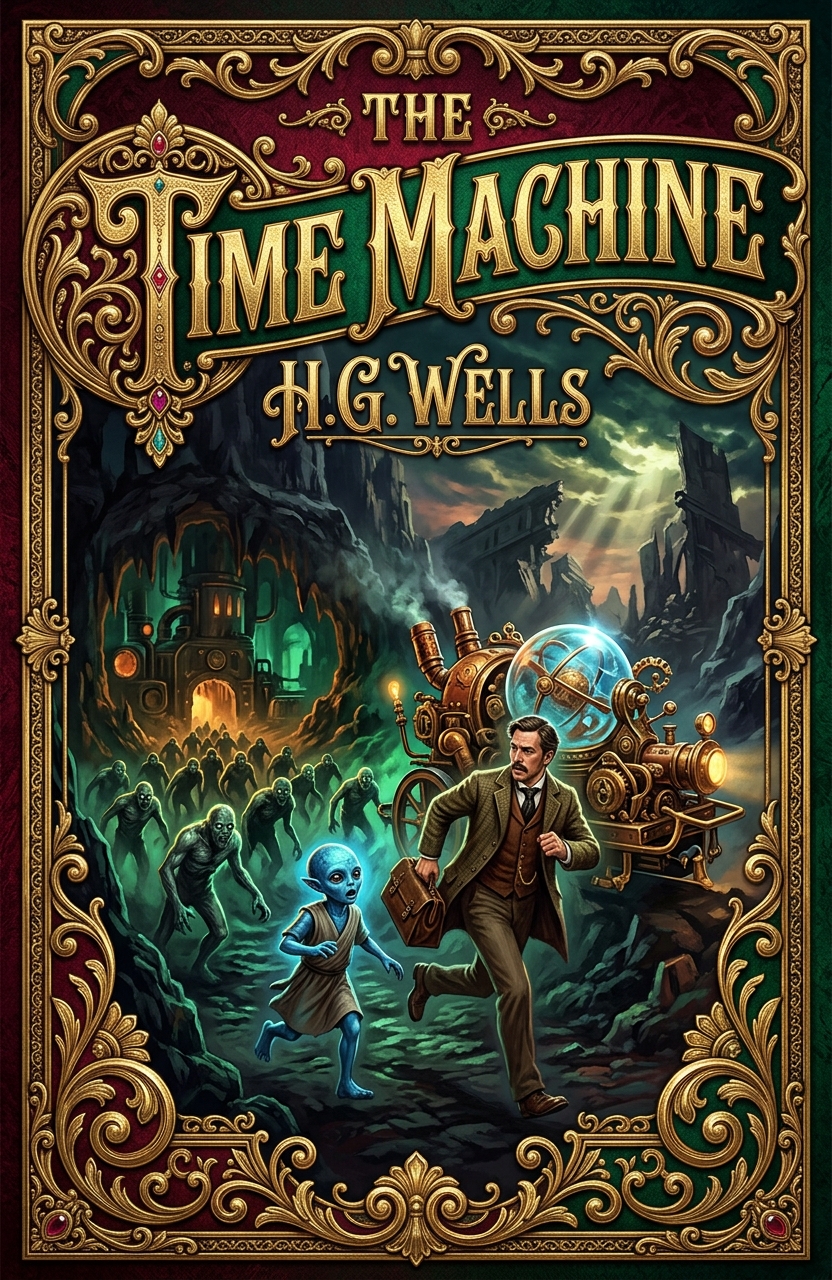
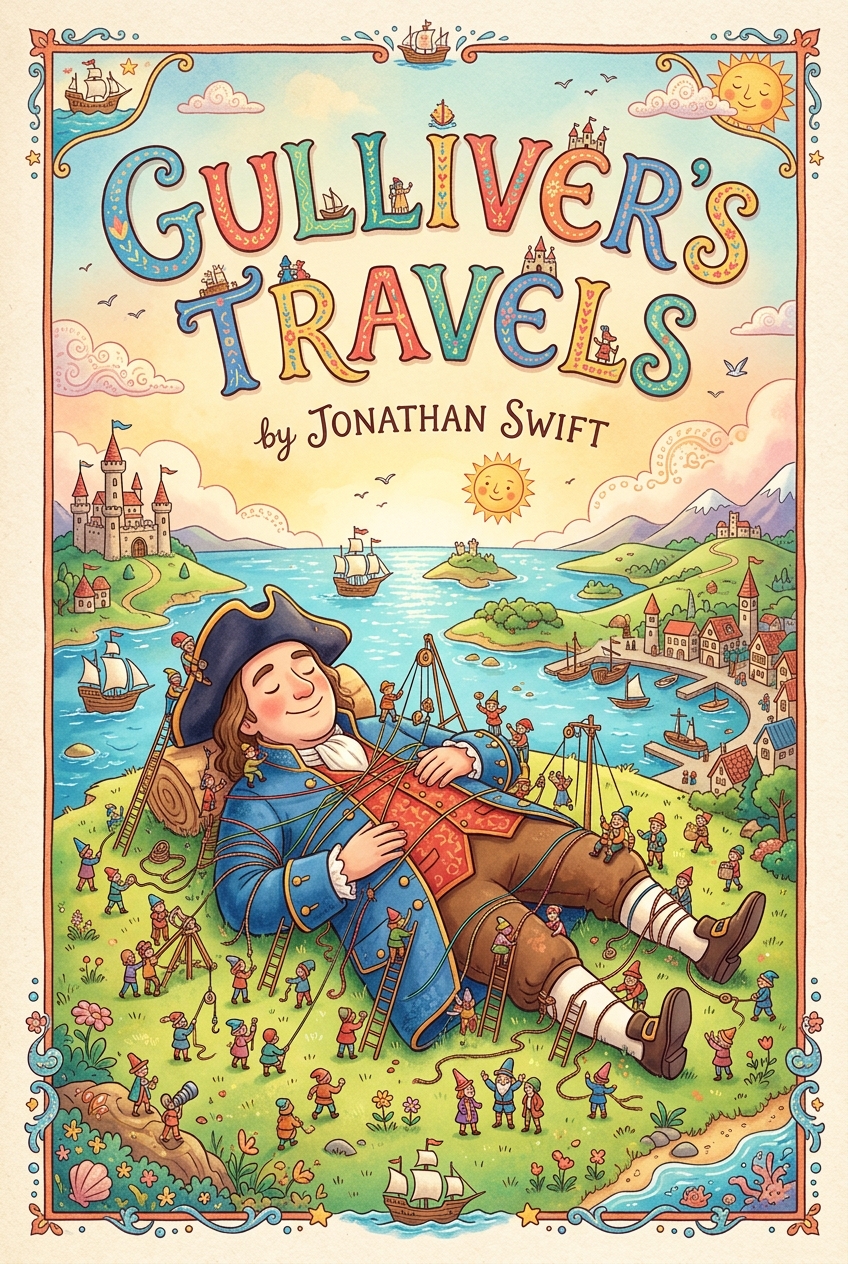
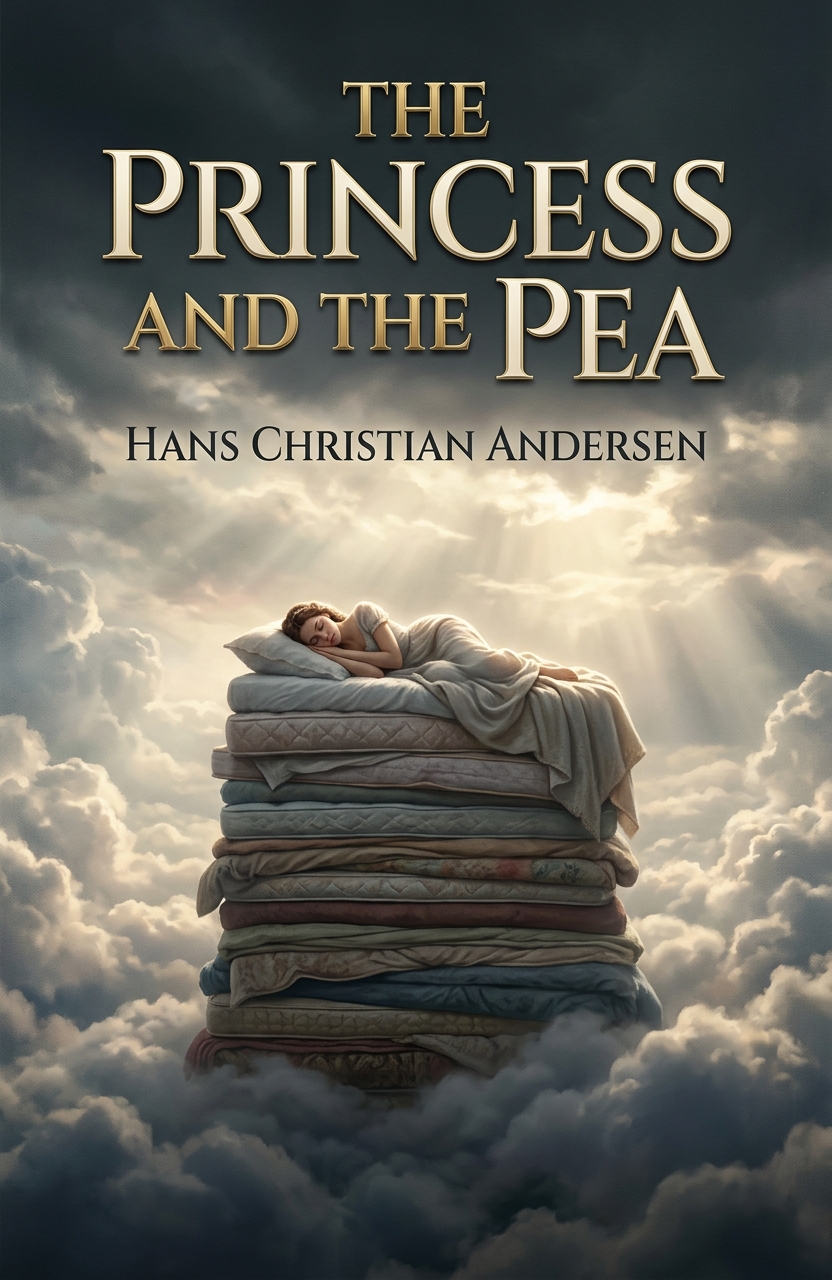
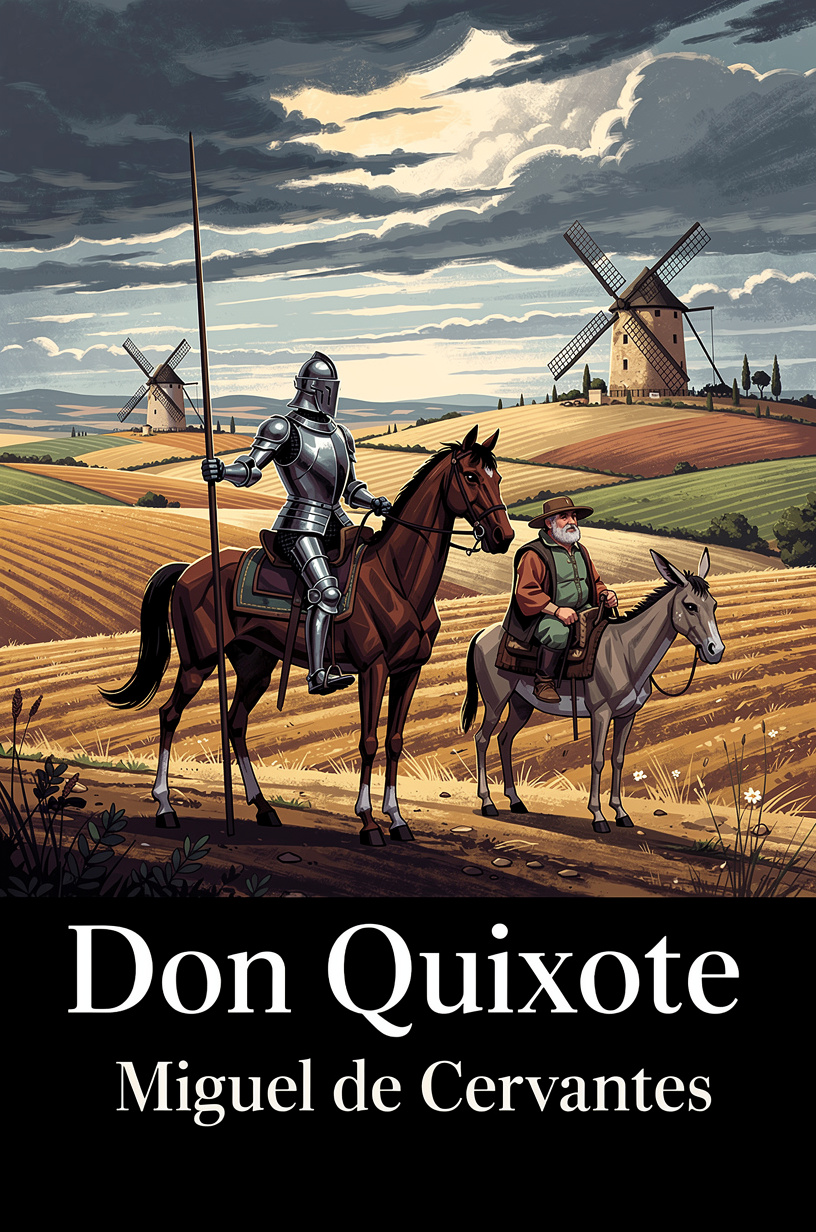
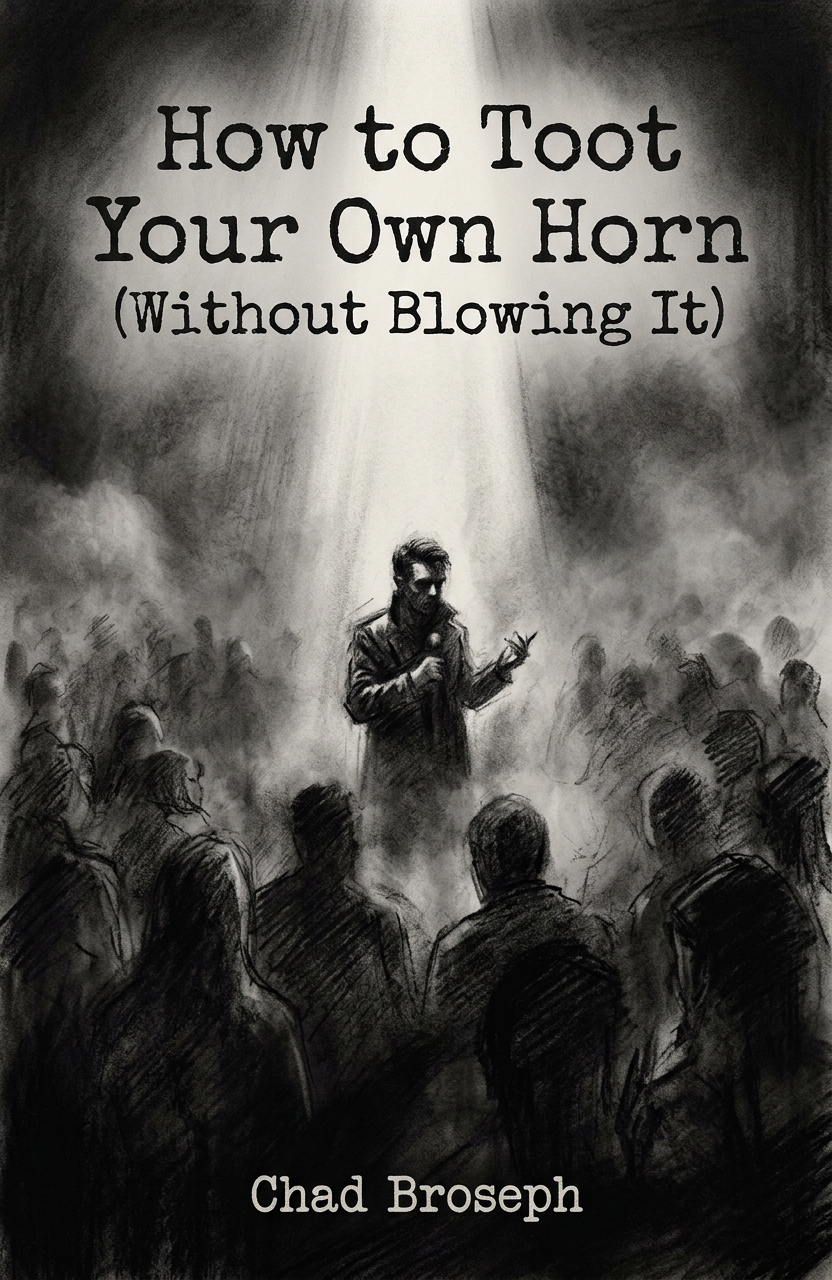
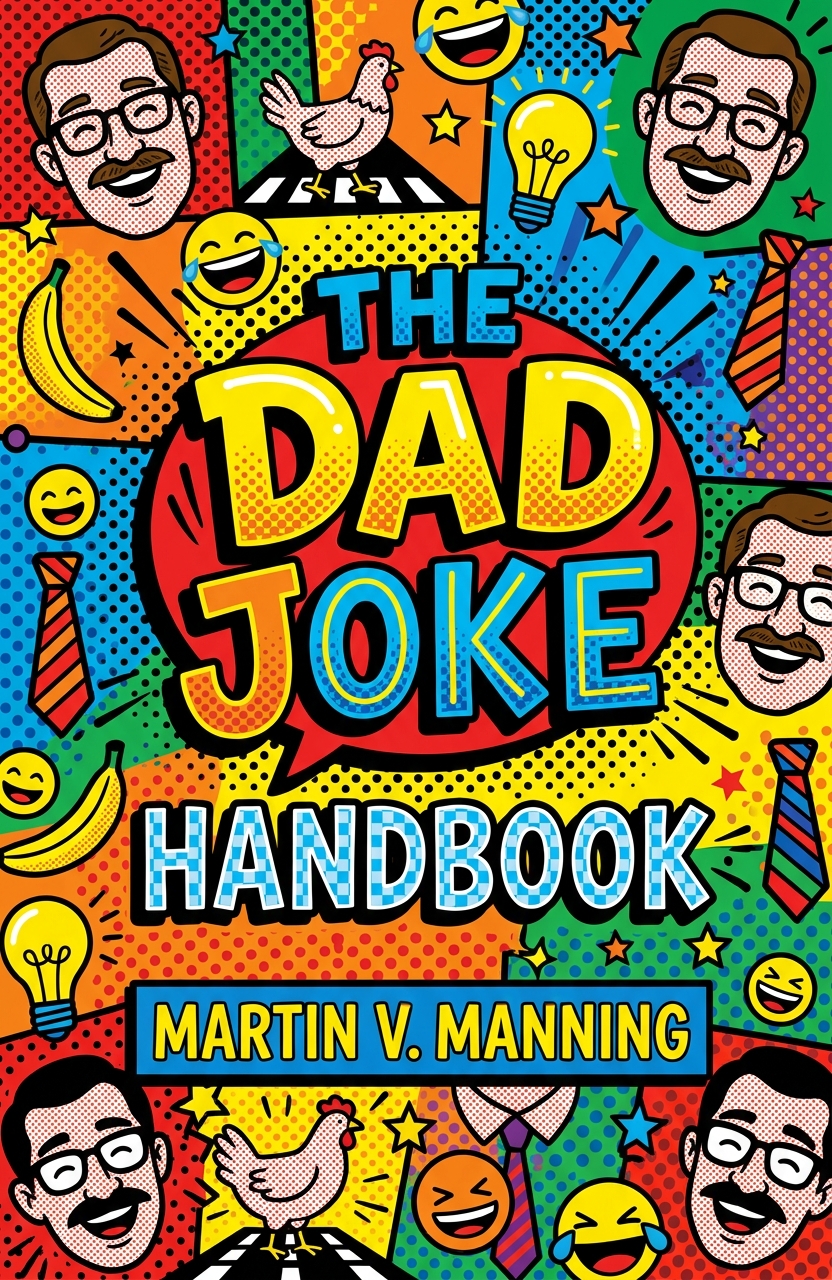
Book Cover Designer is an AI image generator built to help authors, publishers, designers, marketers, and creative teams quickly generate custom book cover art in a wide range of visual styles. Whether you need a fantasy book cover, romance novel cover, thriller cover design, memoir cover, children’s book illustration, self-help book cover, poetry collection artwork, or a bold nonfiction book jacket concept, this tool gives you a fast way to turn a written idea into polished visual direction.
You provide the essential book cover details: the title, author name, title placement, art style, and a description of the scene or concept. The tool then creates a complete cover design preview that can be refined, regenerated, downloaded, and used as creative inspiration or a starting point for publication-ready design.
What the Book Cover Designer Does
The Book Cover Designer generates book cover artwork based on your written instructions. It combines typography, composition, mood, color, genre cues, and illustration style into a finished cover image. This makes it especially useful for indie authors, self-publishing projects, Kindle book covers, ebook cover design, print book mockups, launch graphics, book marketing images, and early-stage visual branding.
You can use it to explore different directions before hiring a designer, build concept art for a manuscript, create promotional visuals, or test which kind of cover best fits your genre. Because the tool supports many art styles, it can produce anything from cinematic sci-fi artwork to clean business book covers, vintage pulp designs, surreal literary fiction covers, or sleek corporate nonfiction layouts.
Understanding the Fields
The first field is Title Text. Enter the exact title of your book here, including a subtitle when needed. For example, you might write “New Beginnings,” “The Midnight Archive,” or “The Complete Guide to Mindful Leadership.” Clear title text helps the AI prioritize the main words on the cover and build the visual hierarchy around them.
The Author field is where you enter the author name, pen name, brand name, or organization name. This usually appears below or near the title, depending on the overall layout. Use the exact spelling and capitalization you want reflected in the design.
The Title Position dropdown controls where the title should appear on the cover. In the screenshot, the selected option is “Top,” which places the title near the upper area of the design. This is a useful choice for traditional fiction covers, dramatic fantasy covers, romance covers, and literary designs where the central image needs room to breathe. Choose a position that supports your composition: a large title at the top can feel classic and commercial, while a centered title can feel bold and iconic.
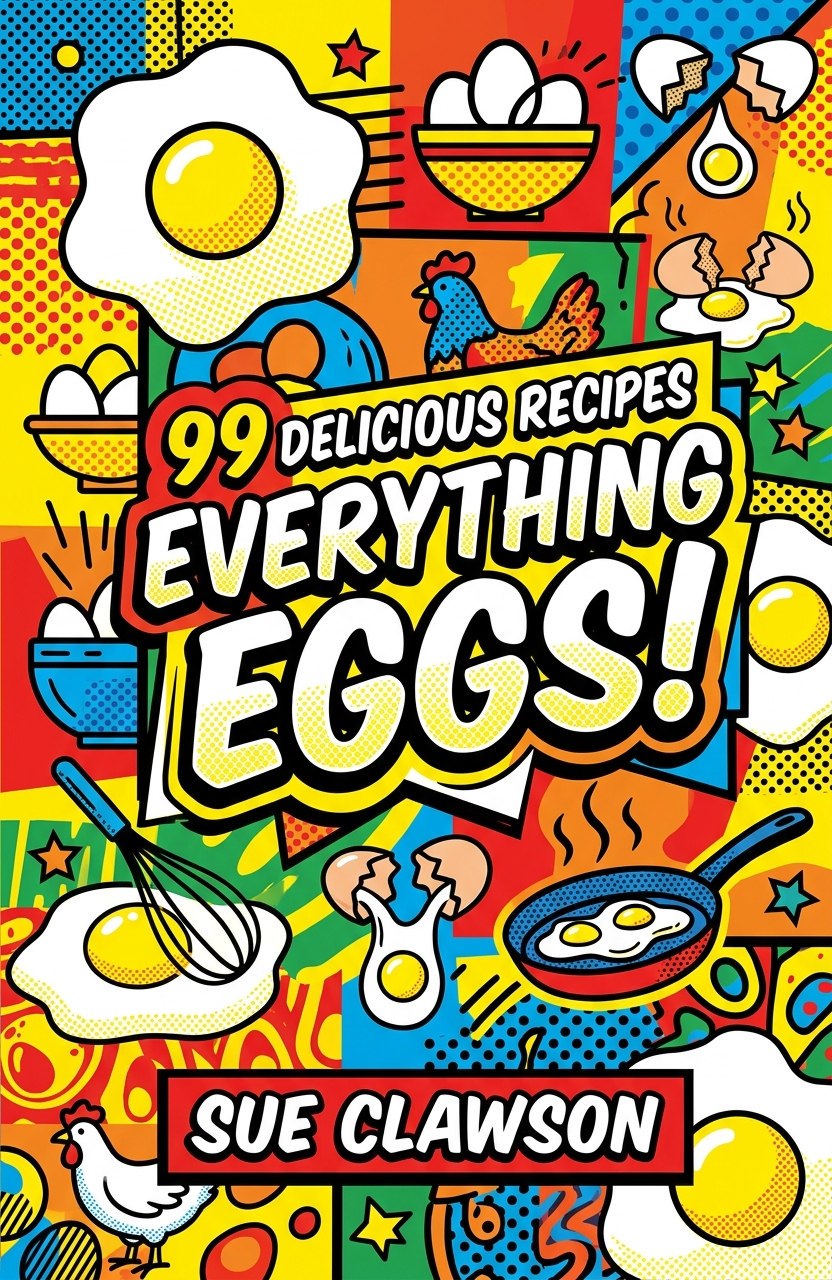
The Art Style dropdown lets you choose the visual treatment for the cover. Available styles include Ethereal Watercolor, Bold Comic Art, Rich Oil Impasto, Clean Vector Minimal, Vintage Pulp Print, Surreal Matte Painting, Expressive Sketch, Neon Cyber Glitch, Whimsical Storybook, Moody Charcoal Sketch, Ornate Baroque, Abstract Expressionist, Nordic Minimal, Epic Cinematic, Retro Synthwave, Vibrant Pop Graphic, Sleek Corporate Minimal, Bold Executive Graphic, Luxe Geometric Abstract, and Custom. Each style changes the emotional tone, genre feel, texture, lighting, and overall market positioning of the book cover.
The Visual Direction field is the most important creative input. This is where you describe the subject, scene, mood, symbols, colors, atmosphere, and design elements you want on the cover. A strong visual direction might include the main image, setting, emotional theme, genre, color palette, and any important visual metaphor.
How to Use the Book Cover Designer
Start by entering your book title exactly as you want it to appear. Keep the title readable and avoid unnecessary punctuation unless it is part of the book’s branding. Then add the author name. Next, choose where the title should appear. For most book cover concepts, placing the title at the top or center works well because it keeps the design easy to read as a thumbnail.
After that, choose an art style that matches your genre and audience. A fantasy novel might work well with Epic Cinematic or Surreal Matte Painting. A business book may look better with Sleek Corporate Minimal, Bold Executive Graphic, or Luxe Geometric Abstract. A children’s book could benefit from Whimsical Storybook, while a literary novel might fit Ethereal Watercolor, Moody Charcoal Sketch, or Rich Oil Impasto.
Finally, write a clear visual direction. For example: “A single red rose grows from a crack in the concrete of a decaying city street.” This type of prompt gives the AI a strong central image, emotional contrast, and symbolic meaning. Once the fields are complete, click Create Book Cover. After about 10–20 seconds, the generated book cover image will appear. You can adjust your description, change the style, or regenerate until the design matches your vision.
Writing a Strong Visual Direction
The best AI book cover prompts are specific without being overloaded. Instead of writing “make a mystery cover,” describe what the reader should see and feel. A stronger direction would be: “A lone detective stands under a broken streetlamp on a rain-soaked alley, with deep blue shadows, fog, and a small red clue glowing near the pavement.” This gives the tool a subject, setting, mood, color palette, and genre signal.
For nonfiction, focus on clarity and authority. A leadership book prompt could say: “A clean minimal cover with a glowing compass above a modern city skyline, navy and gold palette, confident professional tone.” For memoir, include emotional imagery: “An old suitcase beside a sunlit train platform, soft warm light, nostalgic atmosphere, elegant literary design.”
When creating a professional book cover, think about the promise of the book. A horror cover should create tension. A romance cover should suggest intimacy, longing, beauty, or emotional stakes. A self-help cover should feel clear, aspirational, and trustworthy. A science fiction cover should signal scale, technology, mystery, or futuristic adventure.
Choosing the Right Art Style
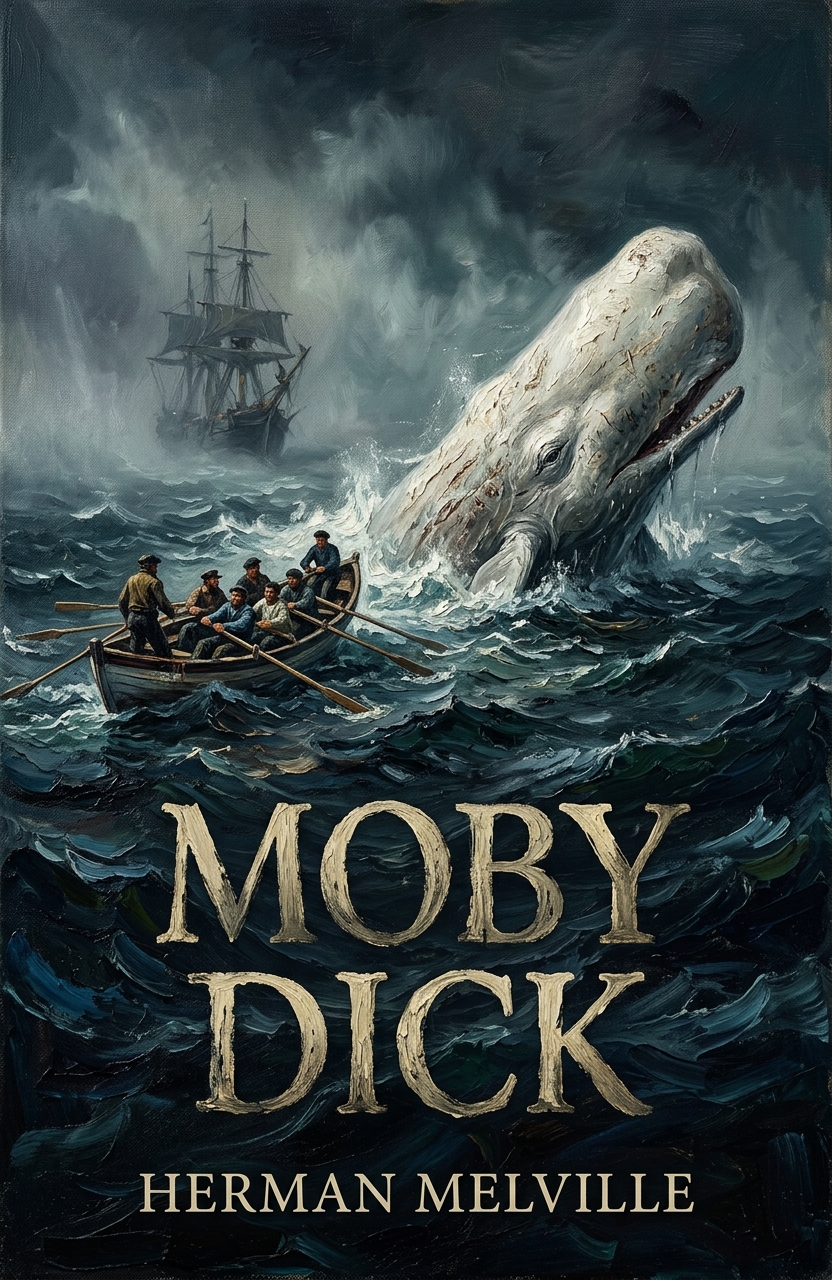
The art style you select has a major impact on how the book cover design is perceived. Rich Oil Impasto creates textured, painterly covers with dramatic brushwork, ideal for literary fiction, historical fiction, emotional drama, and symbolic artwork. Clean Vector Minimal works well for modern nonfiction, guides, workbooks, startup books, and simple ebook covers that need strong readability.
Vintage Pulp Print is a strong option for crime novels, adventure stories, retro horror, noir fiction, and genre paperbacks. Neon Cyber Glitch is useful for cyberpunk, tech thrillers, hacker stories, dystopian fiction, and futuristic cover art. Epic Cinematic gives covers a large-scale movie-poster feel, making it useful for fantasy, sci-fi, action, adventure, and high-stakes drama.
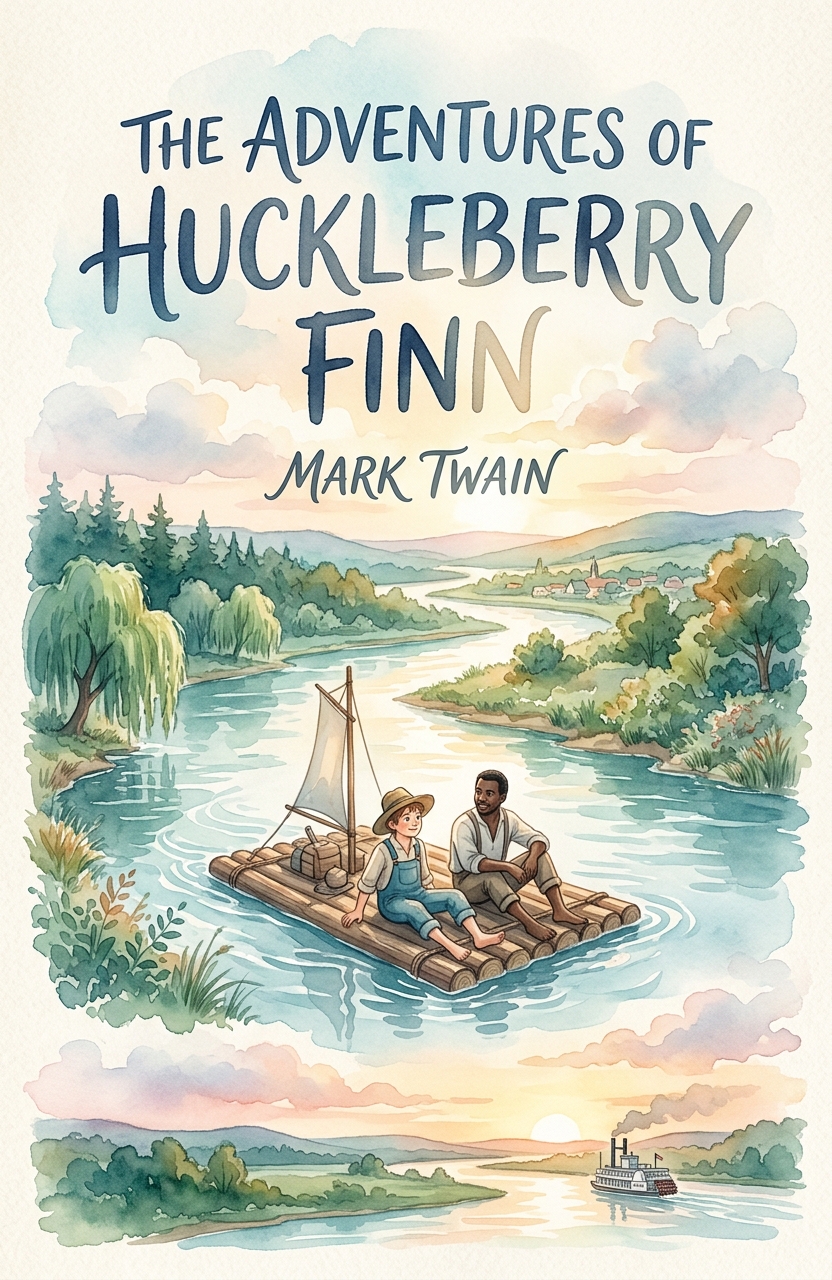
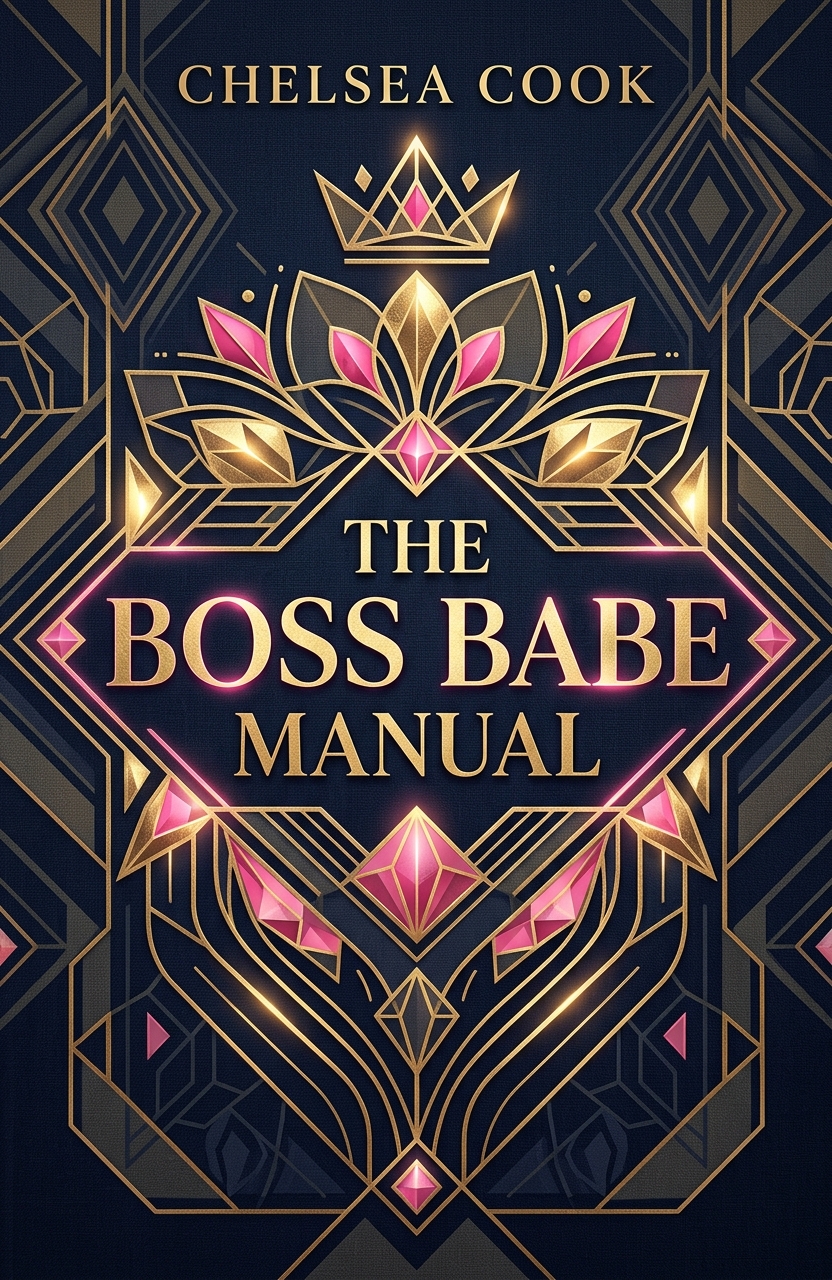
For softer or more emotional projects, Ethereal Watercolor can create delicate, atmospheric designs, while Whimsical Storybook suits children’s books, cozy fantasy, fairy tales, and magical adventures. Sleek Corporate Minimal and Bold Executive Graphic are excellent for business books, finance, leadership, productivity, and professional development. Use Custom when you want to describe a specific visual style directly in the Visual Direction field.
Best Practices for Better Book Cover Results
A strong book cover usually has one clear focal point. This could be a person, object, landscape, symbol, creature, building, or abstract shape. Avoid asking for too many unrelated elements in one design. A focused concept is more memorable and more likely to look professional.
Include genre signals in your prompt. Words like “dark psychological thriller,” “cozy small-town romance,” “epic fantasy landscape,” “minimalist business book cover,” “cinematic science fiction,” or “inspirational memoir design” help guide the tone. Mentioning color can also improve the result. Try phrases such as “deep emerald and gold,” “black and crimson,” “soft pastel palette,” “high-contrast monochrome,” or “warm sunset tones.”
Think about readability. Book covers often need to work at small sizes on online bookstores, social media, and ebook platforms. Shorter titles, strong contrast, and simple compositions usually produce better thumbnail-friendly cover art.
Example Prompt Ideas
For a thriller cover, you might enter the title and author, choose a top title position, select Moody Charcoal Sketch or Epic Cinematic, and write: “A shadowy figure walks across an empty bridge at night, fog rising from the river below, cold blue lighting, suspenseful psychological thriller atmosphere.”
For a fantasy book cover, choose Surreal Matte Painting or Epic Cinematic and write: “A young queen stands before a glowing ancient doorway carved into a mountain, storm clouds above, magical gold light, sweeping cinematic fantasy style.”
For a nonfiction productivity book, choose Clean Vector Minimal or Bold Executive Graphic and write: “A simple geometric staircase rising toward a bright circle of light, clean white background, navy and orange accents, modern professional self-improvement cover.”
For a romance novel cover, choose Ethereal Watercolor or Rich Oil Impasto and write: “Two silhouettes standing on a windswept beach at sunset, soft pink and gold sky, emotional contemporary romance mood, elegant typography.”
Downloading and Saving Your Cover
After your cover is generated, save the image by right-clicking it and downloading it to your computer or phone. The tool notes that generated images are not saved on the server, so downloading is important. Save each strong variation as you work, especially when exploring multiple book cover concepts, cover art styles, or marketing directions.
Final Tips for Creating a Marketable Book Cover
Use Book Cover Designer as both a creative generator and a cover concept tool. Try several art styles before settling on one, especially if you are unsure whether your book should feel literary, commercial, cinematic, minimalist, bold, elegant, or experimental. Small changes in the Visual Direction field can create very different results.