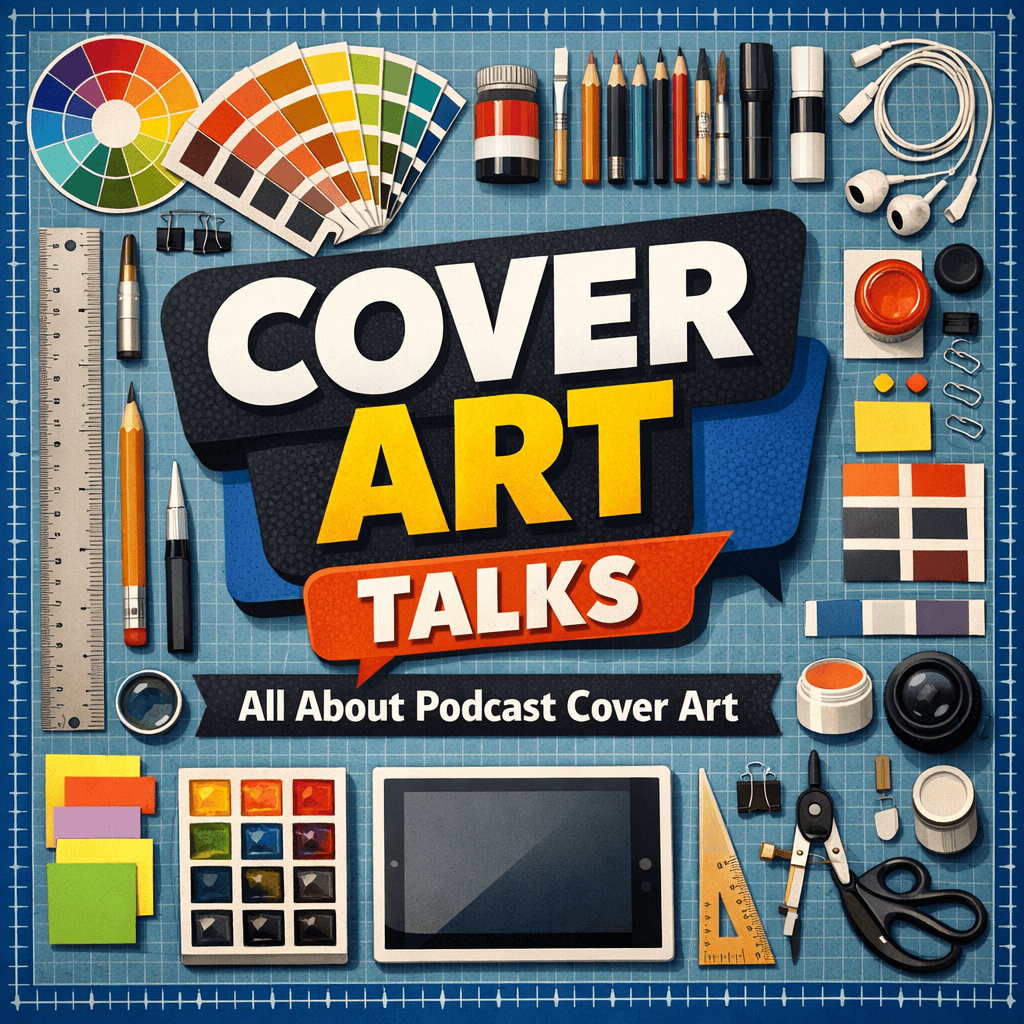
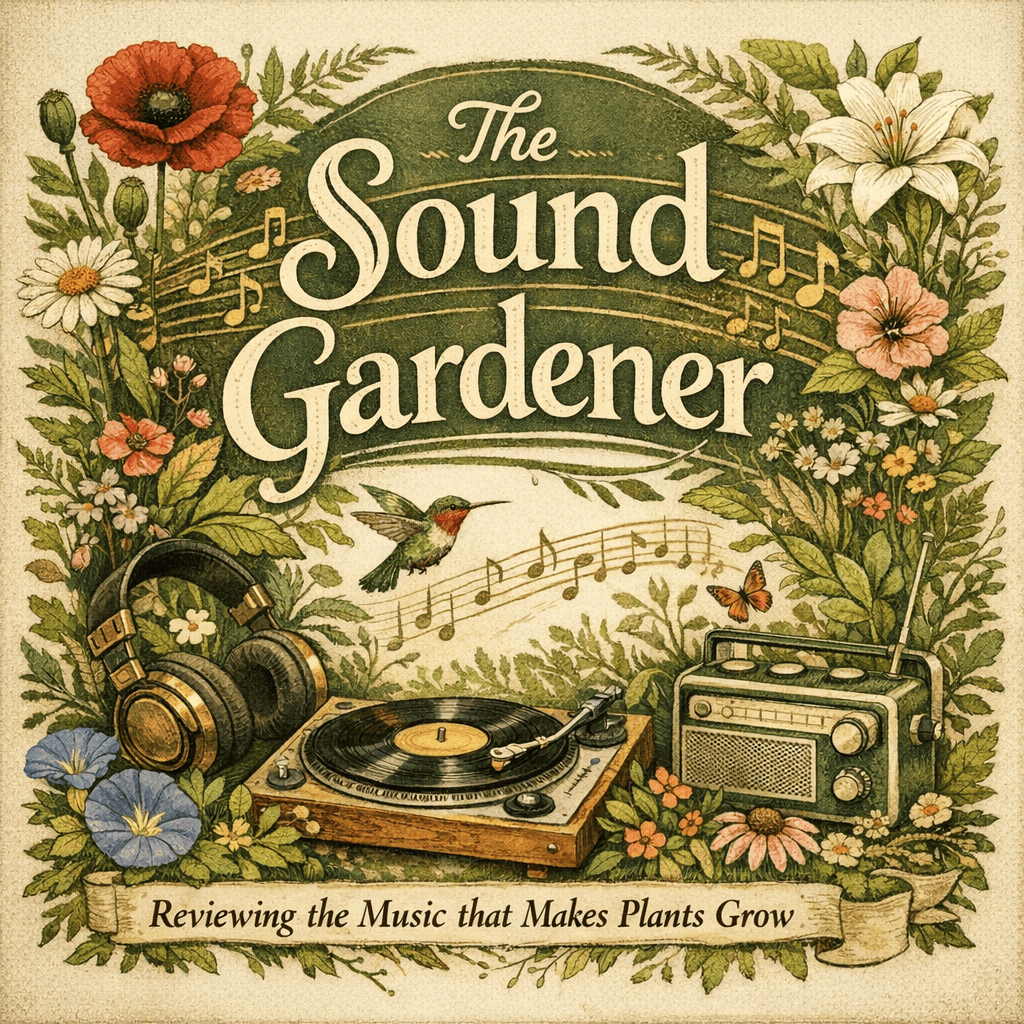
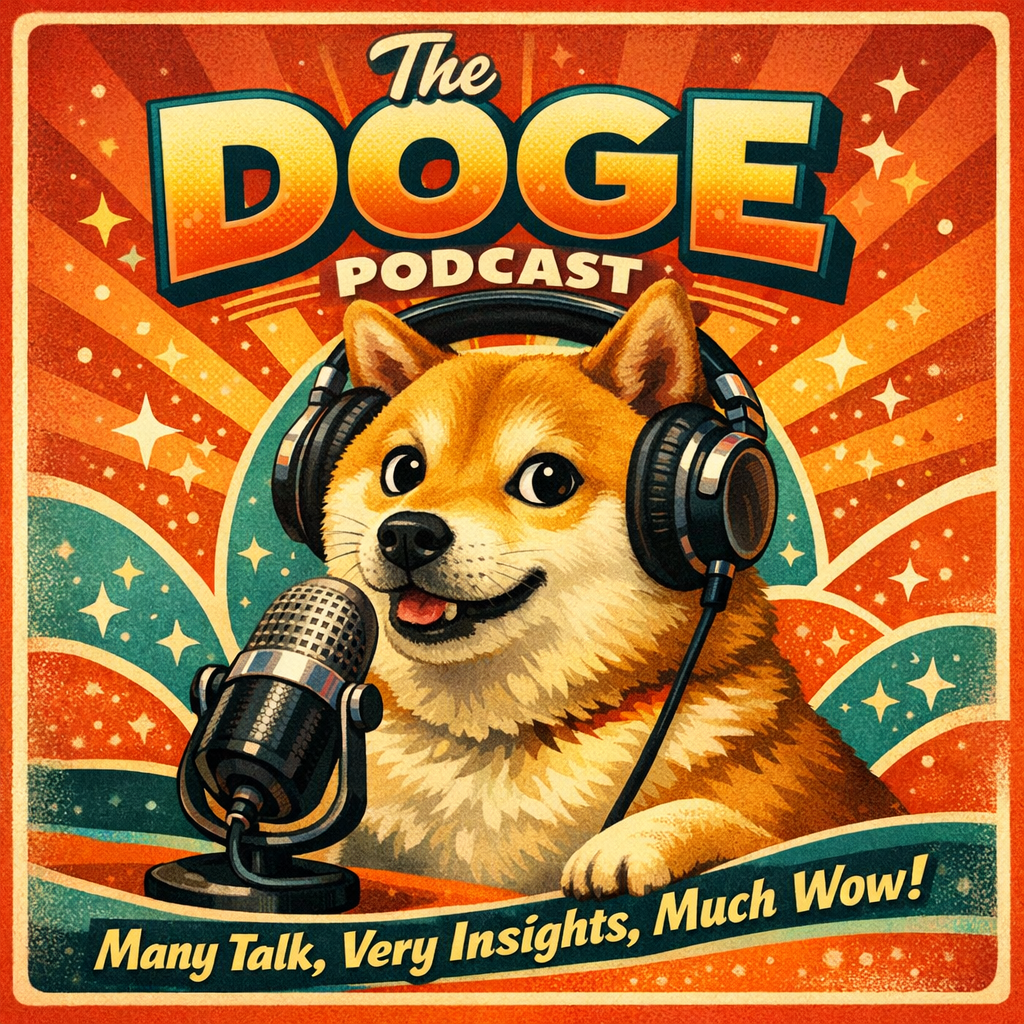
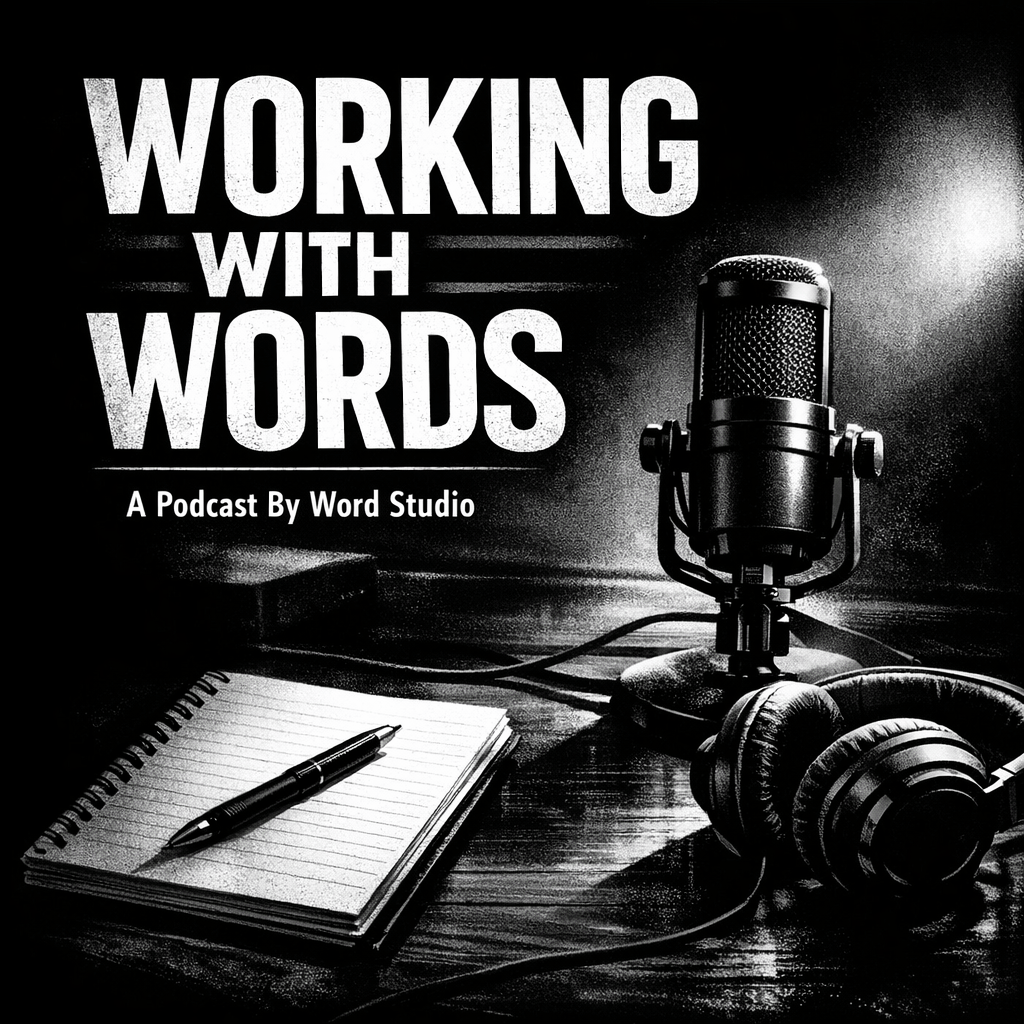
Creating strong podcast cover art is one of the most important parts of launching or refreshing a show. Before anyone listens, they usually see the artwork first. Whether someone is scrolling through Spotify, Apple Podcasts, YouTube, or a podcast website, your cover image should feel memorable, readable, and aligned with the kind of content you make. The Word.Studio Podcast Cover Designer helps you create ready cover art or visual concepts (in under a minute) with only a few words.
To start, just fill out the form with your words.
The form is straightforward, but each field plays a different role in shaping the result. The better you understand each input, the stronger your final artwork will be.
The Name of Podcast field is the main title of your show. Keep the title clear, intentional, and easy to recognize. Shorter names often perform better visually because they are easier to display in a bold, readable way.
The Tagline field adds a short supporting phrase beneath or alongside the title. Think of it as a subheading. A tagline is useful when your title is clever, abstract, or brand-focused and does not immediately explain the subject of the podcast. A strong tagline gives context and can improve discoverability by reinforcing the topic. For example, a title like The Fifth Wall might need a tagline to explain whether it is about film criticism, theatre, pop culture, or storytelling.
The Style Presets dropdown helps define the overall artistic direction. This is where you choose the type of visual treatment you want. Think of the presets as the starting visual language for your show. There are many options, but you can also skip the presets altogether and describe your own in the next field.
The Custom Instructions field is where you add your own details or style descriptions. This is the most flexible part of the form and often the most powerful. Here you can describe visual elements, colors, mood, setting, objects, character ideas, layout direction, and aesthetic qualities.
Once the form is complete, the “Design a Podcast Cover” button creates the artwork. Click it and wait about 20-60 seconds. Your cover should appear. Since AI image generation can vary from run to run, it is normal to try multiple versions before you land on the best one.
The best podcast cover artwork comes from clarity. Ask yourself what your show is about, who it is for, and how you want people to feel when they see it. A parenting podcast and a finance podcast may both want to look polished, but they would not look similar. Unless its about helping you teach your kids about money (Hey, that’s actually a pretty good idea).
Writing a Strong Podcast Name and Tagline
Your title should be memorable and readable. It helps if it is short enough to be legible at thumbnail size, because many people will discover your show on a phone. If the name is too long, even excellent artwork can become difficult to scan.
Your tagline should not simply repeat the title in different words. It should add meaning. A title like Signal Fire could mean many things, but a tagline like Conversations on media, power, and culture immediately clarifies the content. This is useful for both human understanding and overall podcast branding consistency.
When choosing text, think like a listener encountering your show for the first time. They should be able to answer two questions quickly: what is this called, and what is it about?
Choosing the Right Style Direction
A style preset works best when it matches the nature of the show. If you are creating business podcast cover art, a polished, editorial, minimal, or modern aesthetic often works well. If you are creating comedy podcast artwork, brighter colors, expressive imagery, and a more playful look may be more effective. A history podcast might suit vintage textures, while a mindfulness podcast may benefit from softer, calmer visual cues.
This is why visual alignment matters more than decoration. The strongest podcast cover design is not necessarily the fanciest. It is the one that best fits the show’s tone and audience.
Available Style Presets
- Auto is a good default when you want the tool to infer a suitable look from your title, tagline, and custom instructions. This is useful if you are still exploring directions and want a starting point before choosing a more deliberate visual identity.
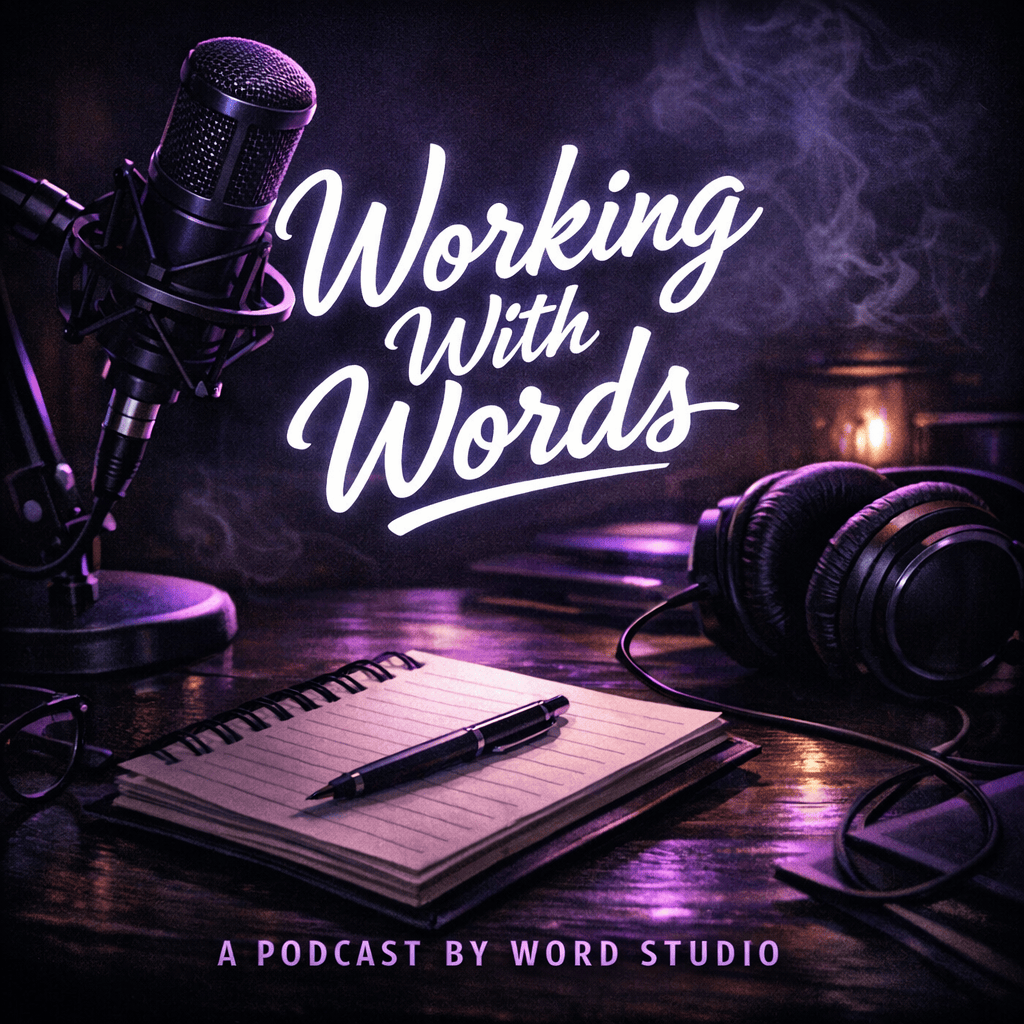
- Dark Minimalist works well for serious, sleek, moody, or premium podcast branding. It is a strong fit for tech, business, true crime, psychology, luxury culture, or strategy-focused shows. If someone is trying to create professional podcast artwork with a dramatic edge, this is a strong option.
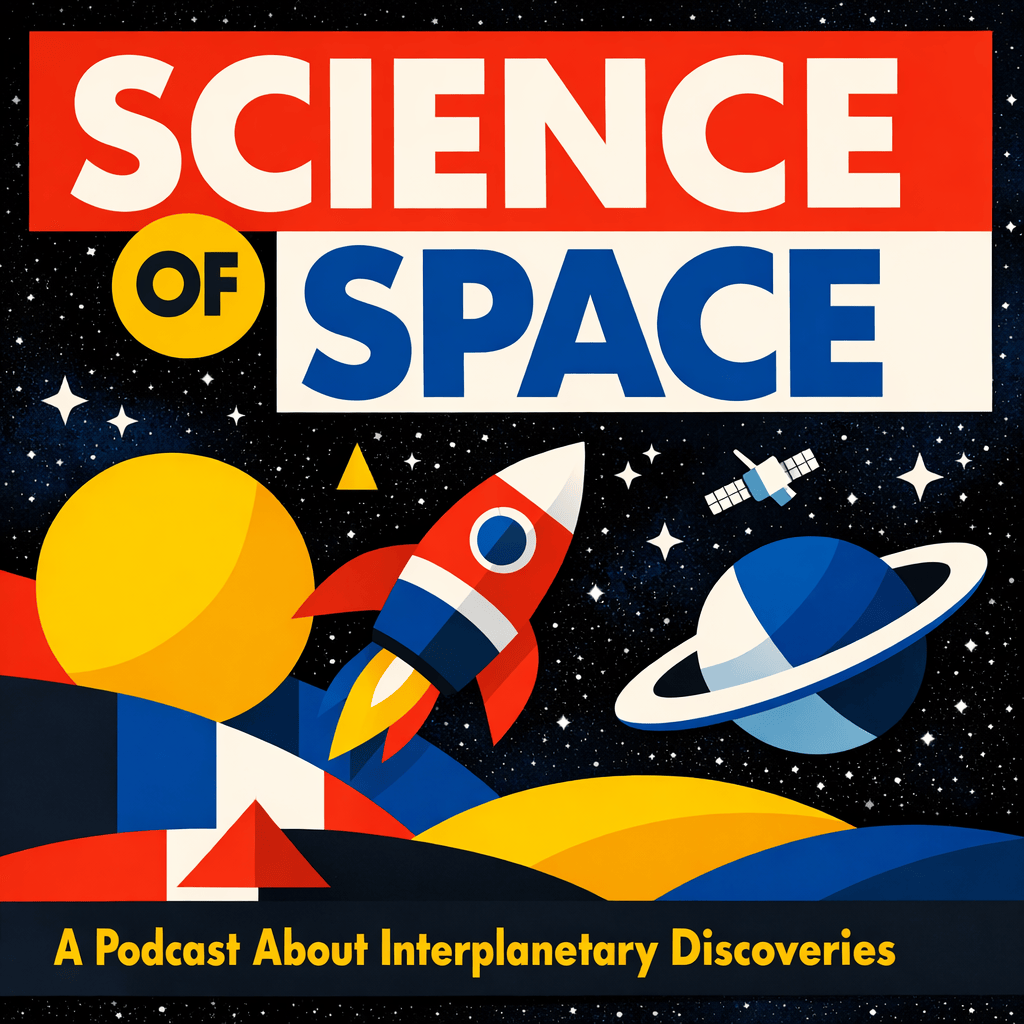
- Retro Pop is bright, nostalgic, energetic, and attention-grabbing. It suits comedy podcasts, music shows, entertainment commentary, pop culture, throwback themes, and bold personality-driven brands. It can be especially effective for creating a memorable Spotify podcast cover art look that stands out in a crowded feed.
- Flat Minimalist is clean, modern, and simple. It works well for educational podcasts, startup content, productivity shows, interview formats, and straightforward business or personal development brands. This style is often a smart choice when clarity matters more than visual complexity.
- Hand-Drawn Sketch feels personal, imperfect, expressive, and human. It is a great fit for storytelling podcasts, indie projects, personal essays, relationship podcasts, creative writing shows, or any brand that wants warmth rather than polish.
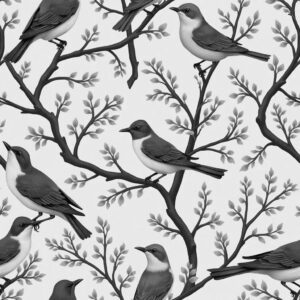
- Botanical Illustration is ideal for wellness, gardening, herbalism, slow living, mindfulness, sustainability, nature podcasts, and elegant lifestyle branding. It can give podcast cover artwork a refined, organic feel.
- Stock Ticker is highly specific and best suited to finance, investing, economics, crypto, market analysis, and business news podcasts. If the show covers stocks, money habits, portfolio strategy, or financial trends, this preset can create immediate topical relevance.
- Japanese Woodblock brings a stylized, classic, artful look with strong cultural and visual character. It can work beautifully for history podcasts, philosophy shows, literary content, travel podcasts, folklore, or podcasts that want a timeless and artistic tone.
- Street Art is bold, rebellious, textured, urban, and expressive. It suits hip-hop podcasts, youth culture, activism, social commentary, sports culture, underground music, and edgy comedy brands. This style can create very distinctive podcast graphics when you want attitude and energy.
- Neon Glow is futuristic, high-contrast, and vibrant. It is especially useful for technology, gaming, sci-fi, nightlife, electronic music, AI, or digital culture podcasts. It can also work well for creators looking for a bold podcast thumbnail design with modern visual punch.
- Vintage Newspaper fits journalism, political commentary, history, media criticism, investigative reporting, literary podcasts, and old-world editorial aesthetics. It can help create a thoughtful or archival tone that feels intelligent and textured.
- Paper Cutout has a layered, tactile, handcrafted quality. It works well for parenting podcasts, children’s storytelling, educational shows, hobby podcasts, DIY themes, and playful brands that want warmth and approachability.
- Bauhaus Inspired is geometric, design-forward, and visually disciplined. It is a strong match for architecture, design podcasts, creative industry interviews, intellectual culture shows, modernist themes, and clean podcast branding with artistic credibility.
- Abstract Expressionist is emotional, painterly, and energetic. It is best for arts podcasts, poetry, culture criticism, experimental storytelling, personal reflections, and shows that prioritize mood over literal imagery.
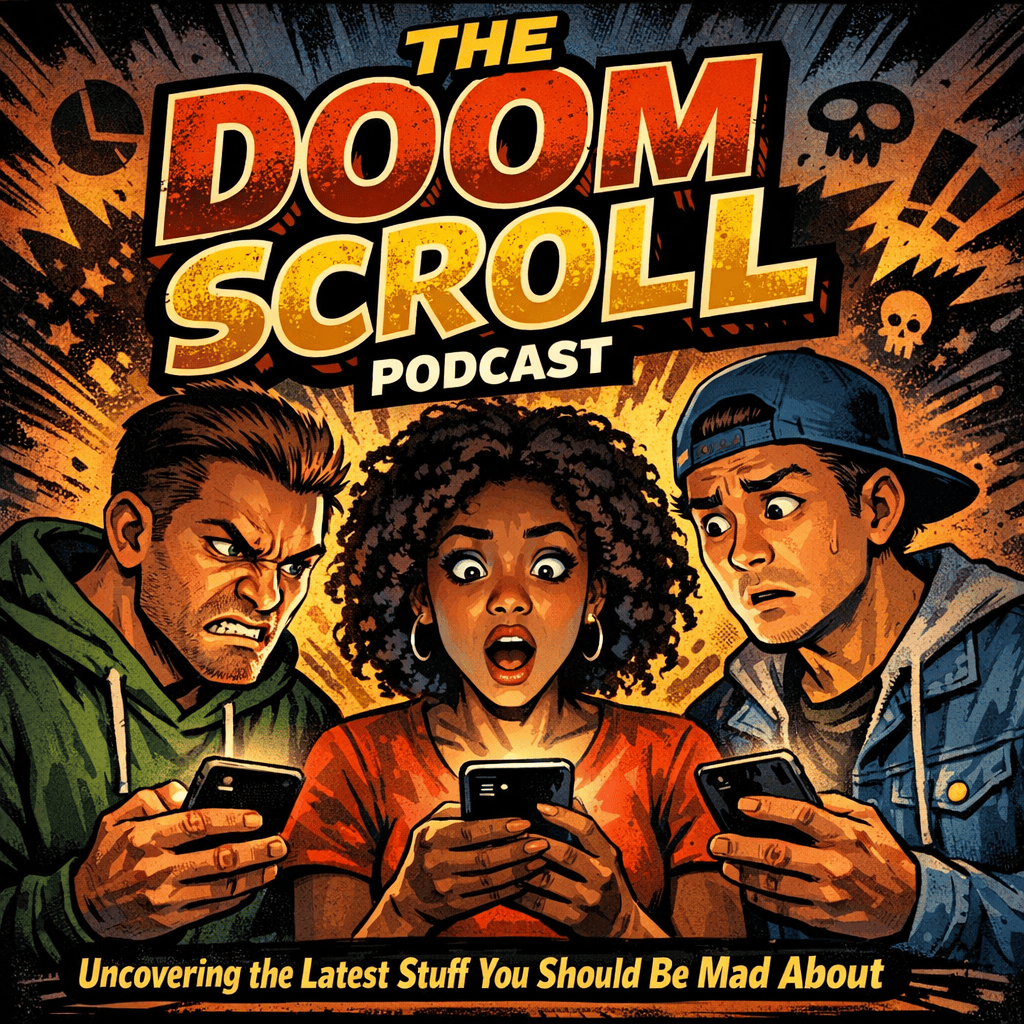
- Comic Book is dynamic, graphic, and character-driven. It is perfect for pop culture podcasts, fandom shows, superhero analysis, comedy, gaming, genre entertainment, and highly animated brand personalities.
- Scandinavian Minimalism is soft, clean, tasteful, and understated. It is a strong fit for design, wellness, interiors, parenting, lifestyle, personal growth, and modern educational podcasts. It works particularly well for creators who want elegant podcast cover design without clutter.
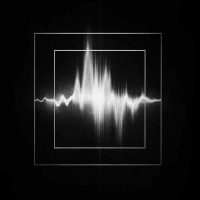
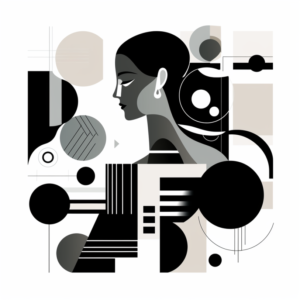
- Black and White Abstract creates a stark, artistic, and often sophisticated mood. It is useful for philosophy, art theory, high-concept culture podcasts, serious interview series, sound design, and more experimental or intellectual projects.
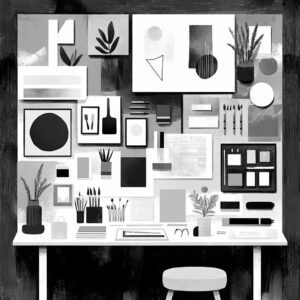
- Collage is versatile, layered, and visually rich. It works for storytelling podcasts, travel, culture, multi-topic shows, humor, editorial concepts, and brands that benefit from mixing symbols, textures, and scenes. It is often a good choice for creators who want lively, detailed podcast album art.
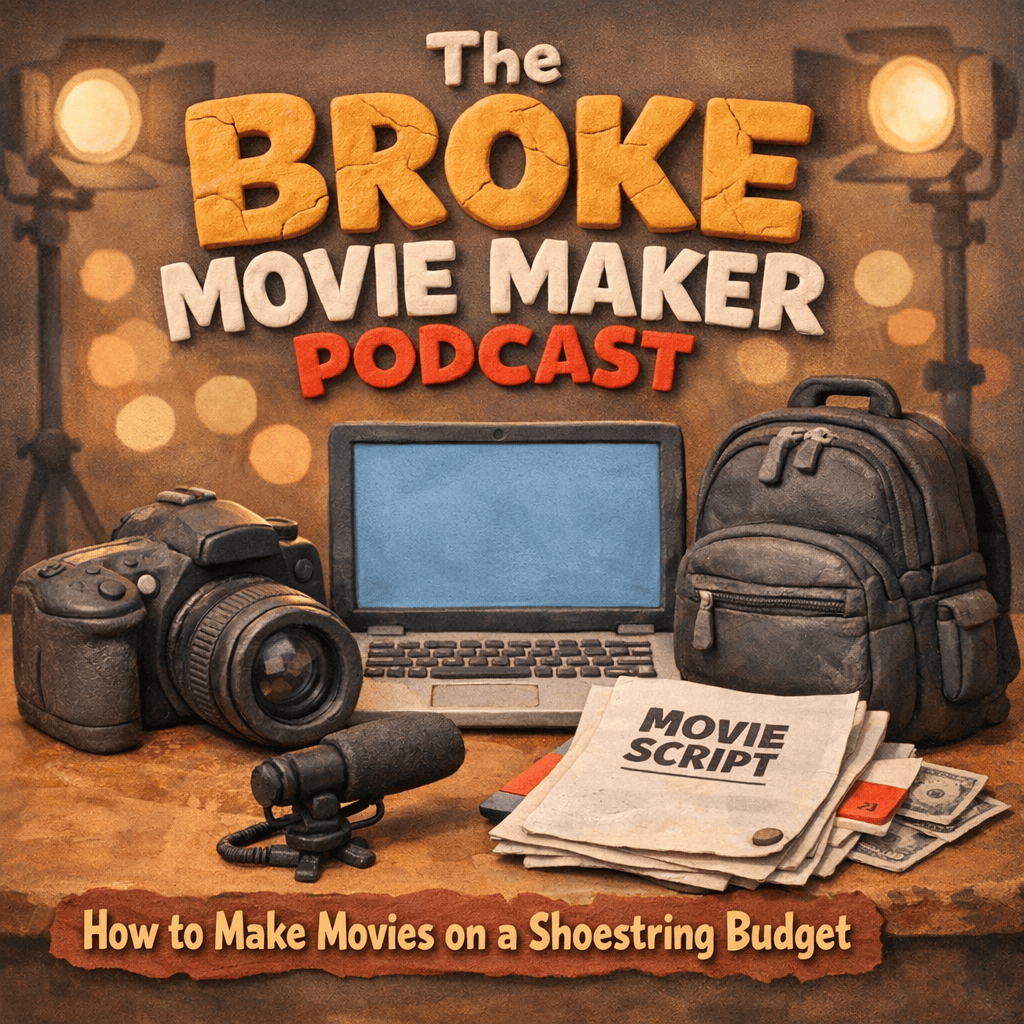
- Clay models gives the artwork a playful, sculpted, dimensional quality. It is a great option for family-friendly podcasts, children’s content, hobby shows, light comedy, crafts, food, and whimsical lifestyle branding.
- Custom Style is the best choice when you already have a specific visual direction in mind that does not fit neatly into the preset list. This option is especially useful if you want to describe a very particular look in the custom instructions, such as “luxury editorial photography,” “1970s sci-fi paperback cover,” or “cozy watercolor café illustration.”
How to Write Better Custom Instructions
Instead of writing vague phrases like “make it cool” or “look professional,” describe the image with enough specificity that the tool has a clear direction to follow.
A strong instruction usually includes the subject, the style, the mood, the color palette, and one or two distinctive details. You could say:
“Clean modern artwork featuring a stylized heartbeat line transforming into leaves, calming green and white palette, bright minimal background, trustworthy and uplifting tone, elegant typography space.”
or maybe:
“Vintage microphone with celestial accents, hand-painted illustration style, mysterious but elegant mood, deep navy and gold palette, subtle moon phases in the background.”
That gives the tool much more to work with and increases the chances of getting a cover you may be envisioning. A useful formula is “main subject + visual style + emotional tone + colors + special detail”
Best Practices for Better Podcast Cover Art
Keep your concept focused. One strong idea usually beats five competing ones. If you try to include too many symbols, characters, moods, and visual effects, the artwork can lose clarity. Subtle changes can lead to much stronger results.
Design for small screens first. Most people will see your image at a tiny size, so simple composition, bold contrast, and readable text matter more than intricate detail. A cover that looks beautiful zoomed in but unreadable as a thumbnail will struggle in real podcast directories. This tool is designed to follow these guidelines automatically. But if you aren’t getting enough contrast, try adding “high contrast” in the custom instructions.
Make it Yours
To recap: Use the title field to establish identity, the tagline to clarify the value of the show, the style preset to shape the visual direction, and the custom instructions to add personality and originality. From there, test several variations and judge the results the way a potential listener would: quickly, visually, and on a small screen. Try multiple cover variations.
Always remember to save your favorite iterations to your computer or device. When you run the tool again, the image will be replaced. So save your favorites before iterating.
When used thoughtfully, this tool can help you create podcast cover artwork, podcast thumbnails, and podcast episode graphics that feel polished, distinctive, and built for discovery.